Everything you do
with voice
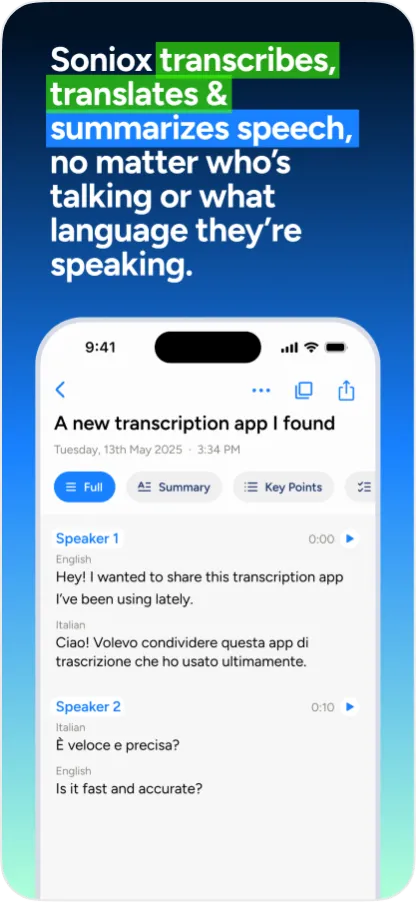
Transcribe and translate conversations in real-time, generate summaries, and type with your voice.
Download on the App Store and Google Play


Download for macOS and Windows
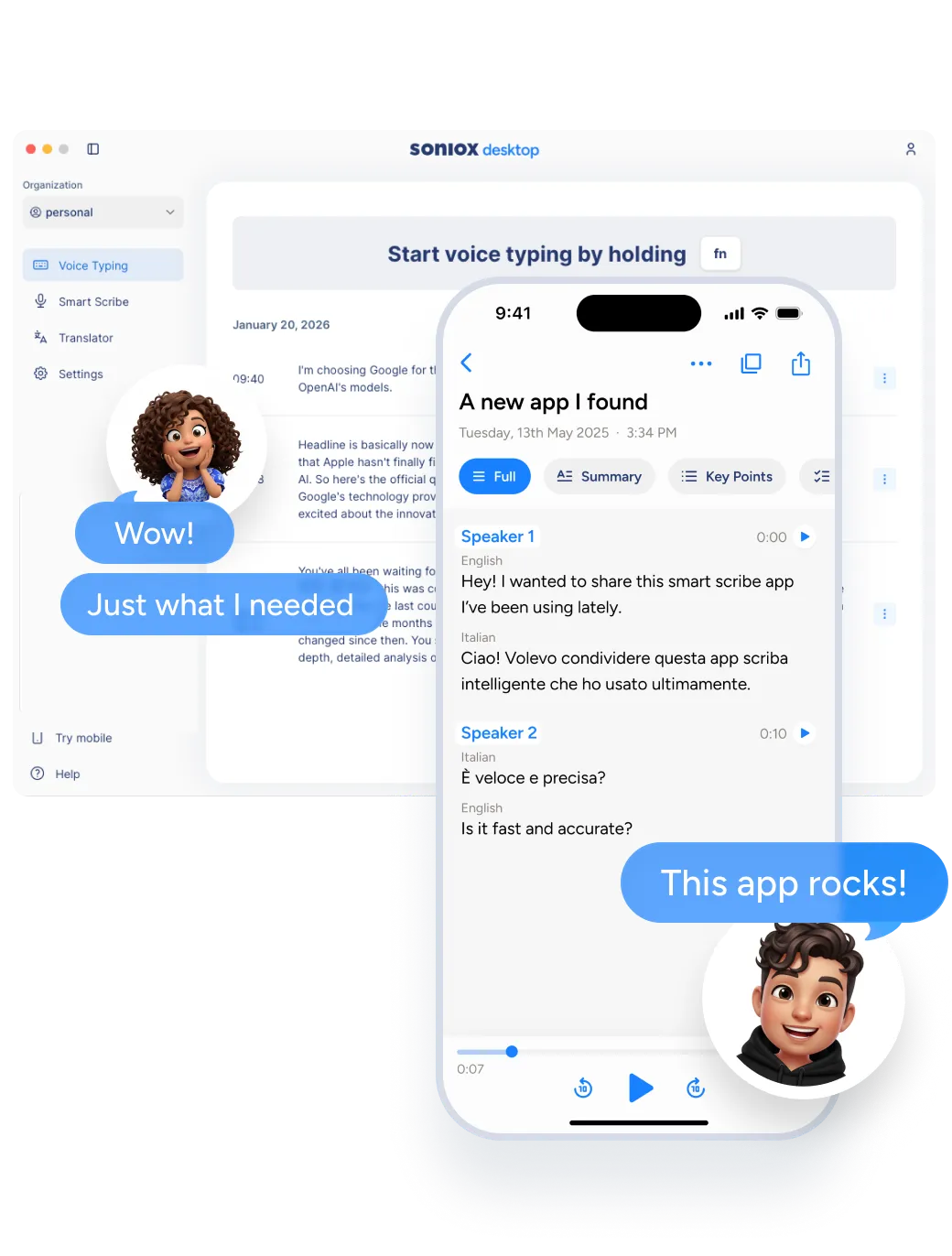
Smart Scribe
Capture conversations and remember what matters
- Live transcription of meetings and conversations
- Automatic summaries and action items
- No note-taking needed
- Works across 60+ languages
Available on: Mobile, Desktop
Translator
Understand and be understood instantly
- Real-time speech translation
- No waiting, conversations flow naturally
- Works anywhere, in any situation
- Supports 60+ languages
Available on: Mobile, Desktop
Voice Typing
Type faster with your voice
- Dictate into any app or text field
- Choose formal or casual style
- Up to 4× faster than typing
- Works in 60+ languages
Available on: Mobile, Desktop
Works where you work
Use Soniox App throughout your day, across your devices.
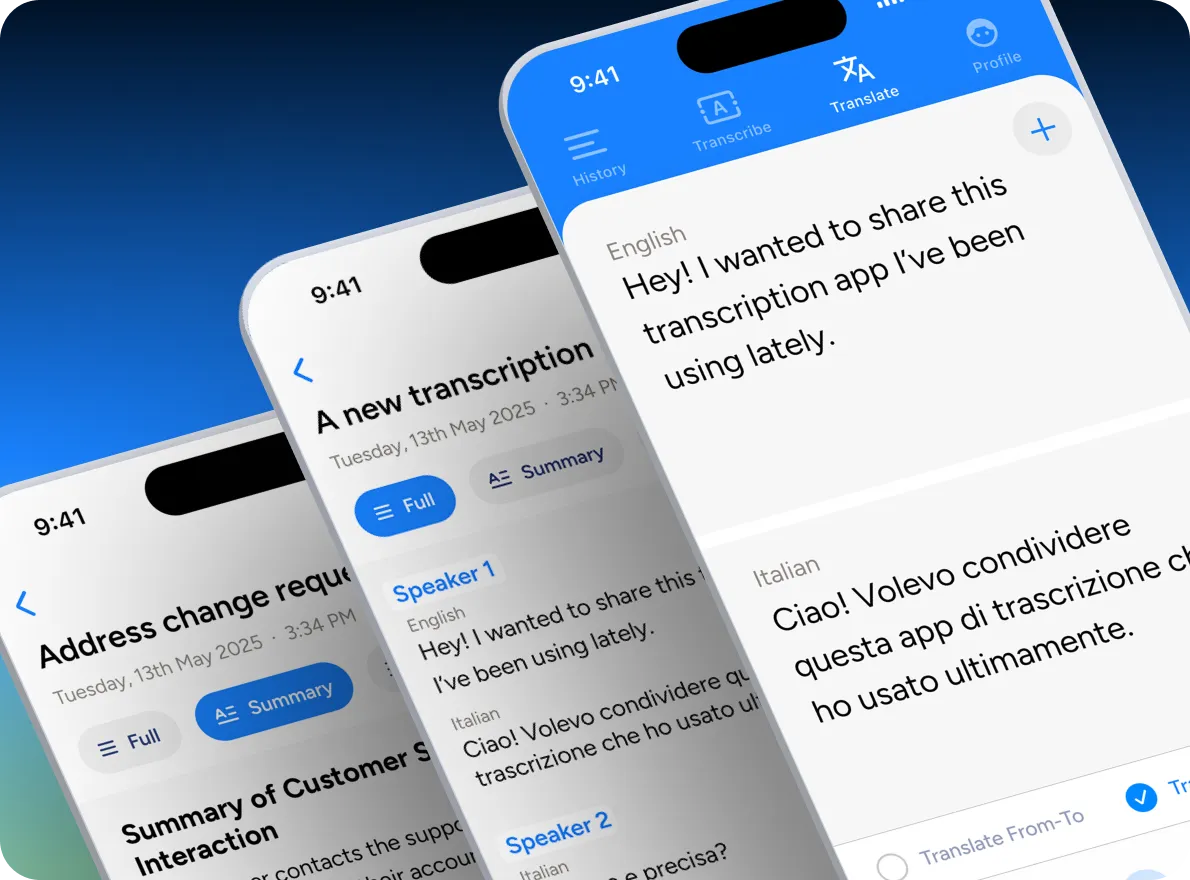
Capture conversations and ideas wherever you are
- Record meetings, calls, and interviews
- Transcribe live or translate in real-time
- Use voice typing for notes, messages, and documents
- Get summaries and insights instantly after you finish
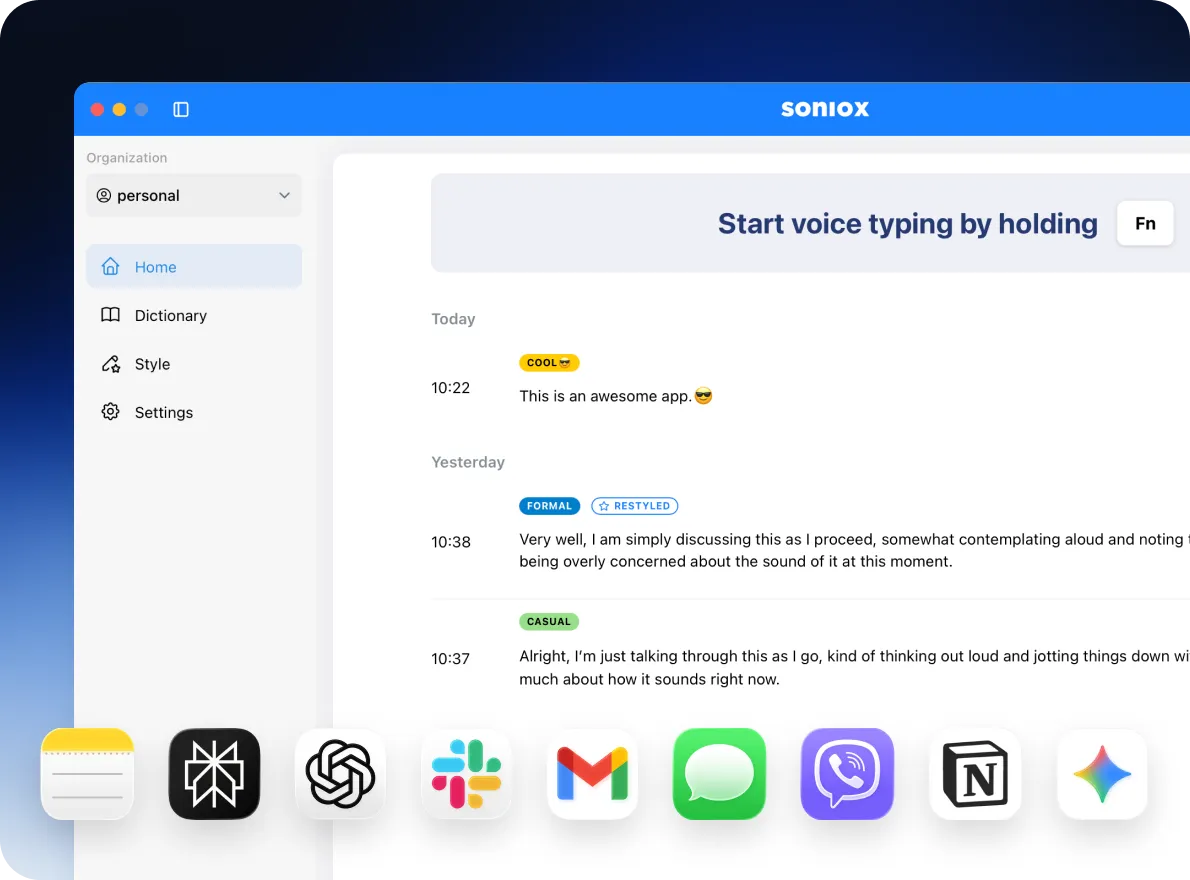
Work with voice across your entire computer
- Record, transcribe, and translate in real-time
- Use system-wide voice typing in any app or text field
- Ideal for longer writing, meetings, and focused work
- Fast, low-latency performance in any language
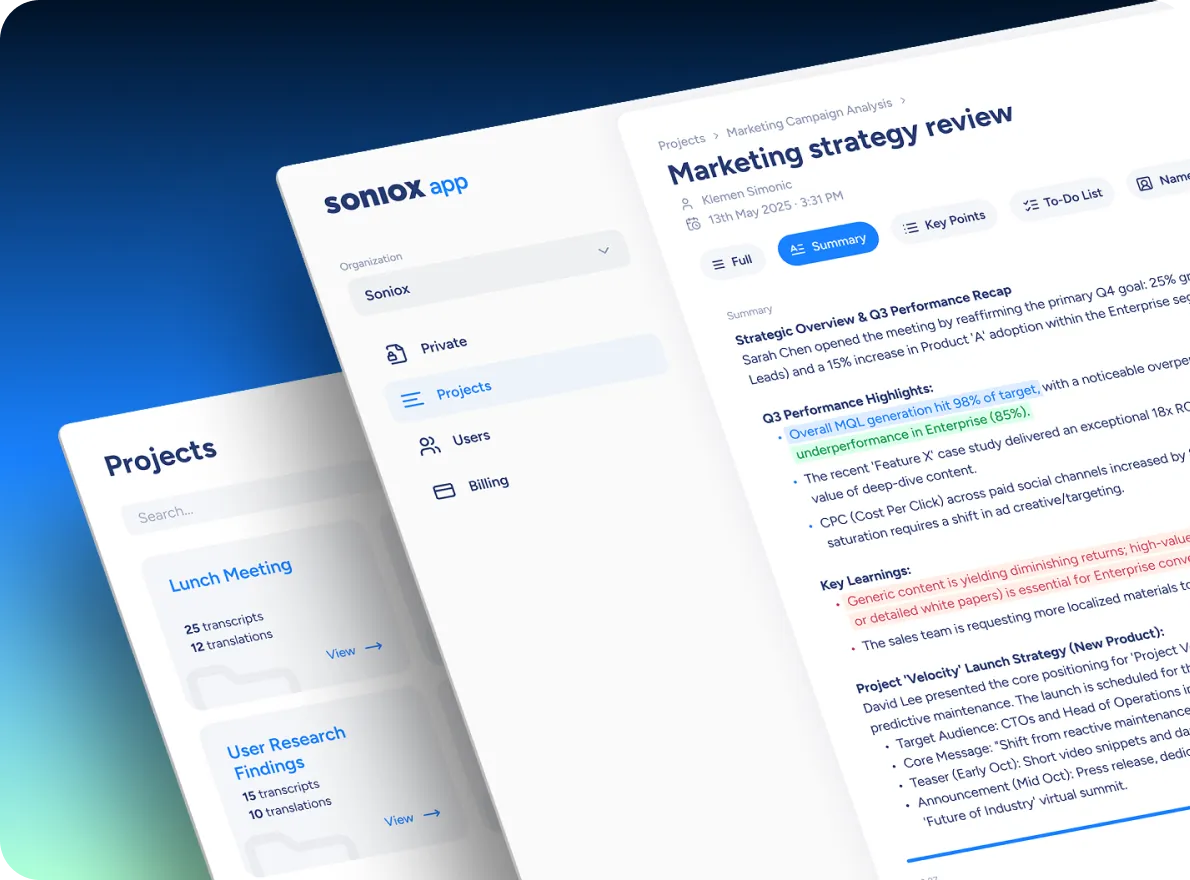
Review, organize, and share your work
- Review transcripts and create summaries
- Organize conversations and projects
- Manage teams and shared workspaces
Use cases
Soniox App is built for the many ways people use voice to work, learn, and connect.
Meeting transcription
For business professionals who need accurate records, clear accountability, and less time on post-meeting admin.
Lecture transcription
For students who want to stay present in class without missing a word of what was said.
Medical dictation
For healthcare professionals who want to document consultations in real-time and focus on the patient.
Hearing accessibility
For deaf and hard of hearing people who want to follow any conversation, anywhere, without barriers.
Travel translator
For travelers who want to communicate freely with locals in any language, without preparation or setup.
Voice notes
For anyone who thinks faster than they type and wants their thoughts captured the moment they happen.
Use Soniox App on your own or with your team
Start on your own, or roll it out across your team when you’re ready.

Individuals
For people who think better out loud
- Capture meetings and calls automatically
- Dictate notes, ideas, and messages with your voice
- Write faster without switching tools
- Keep everything private to you

Teams and organizations
For teams where conversations drive work
- Share transcripts, summaries, and projects
- Collaborate with clear access and roles
- Centralize conversation knowledge
- Built with privacy and compliance in mind
Private by default
Soniox never stores your recordings and never uses your audio to train models. Everything is processed securely in real-time, then gone.
Try Soniox App today
Free. Built for work, life, and everything in between.

Download on the App Store and Google Play

Download for macOS and Windows
Works across 60+ languages
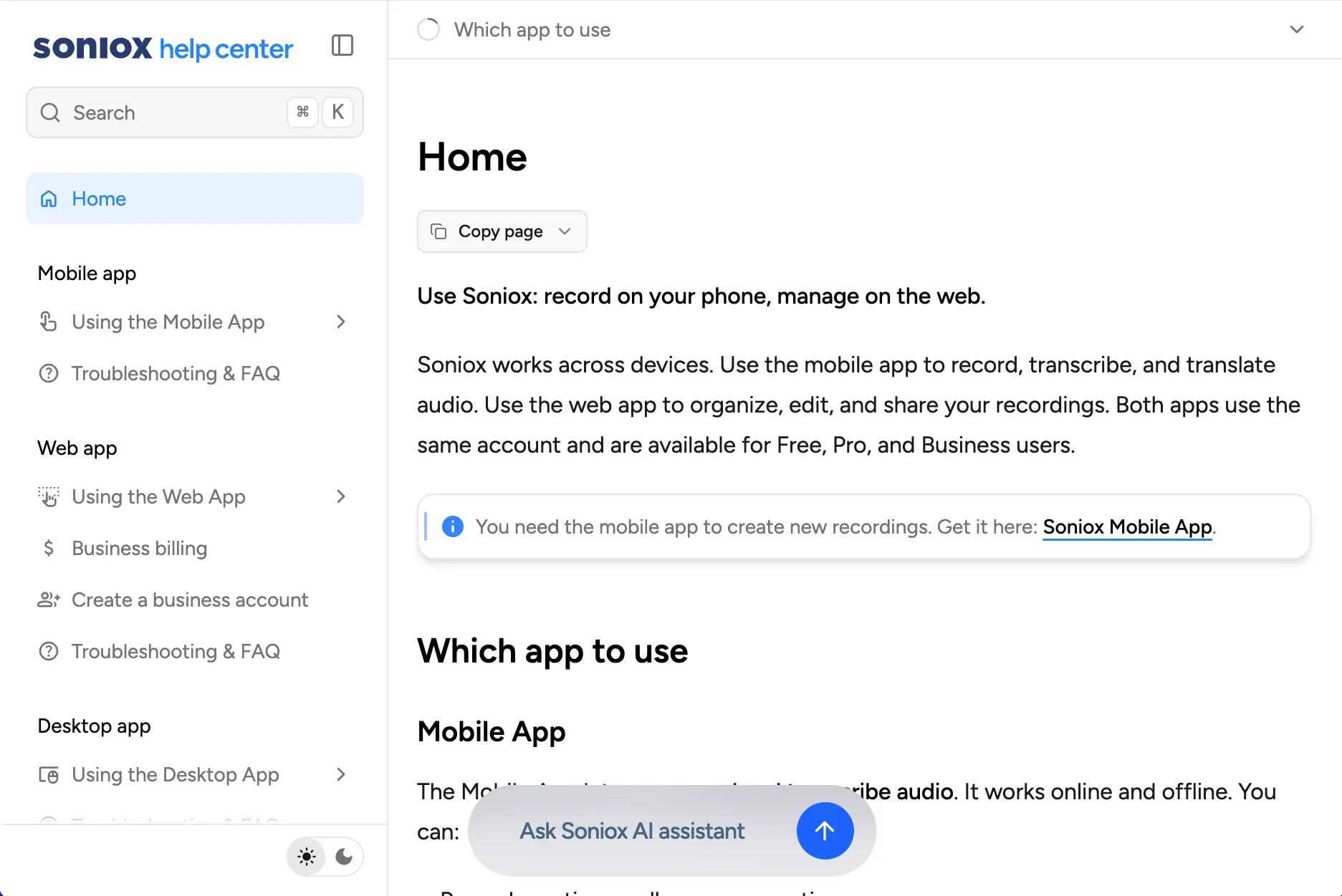
Learn everything Soniox can do
Need more details? The Soniox Help Center provides complete documentation for the app, including guides, videos, screenshots, and feature walkthroughs.
Learn how to use Smart Scribe, Translator, Voice Typing, and more.
Explore the Help Center