Soniox App Business

A shared workspace for everything your team does with voice

Capture, share, and manage transcripts and summaries in one secure workspace with full visibility, control, and compliance.
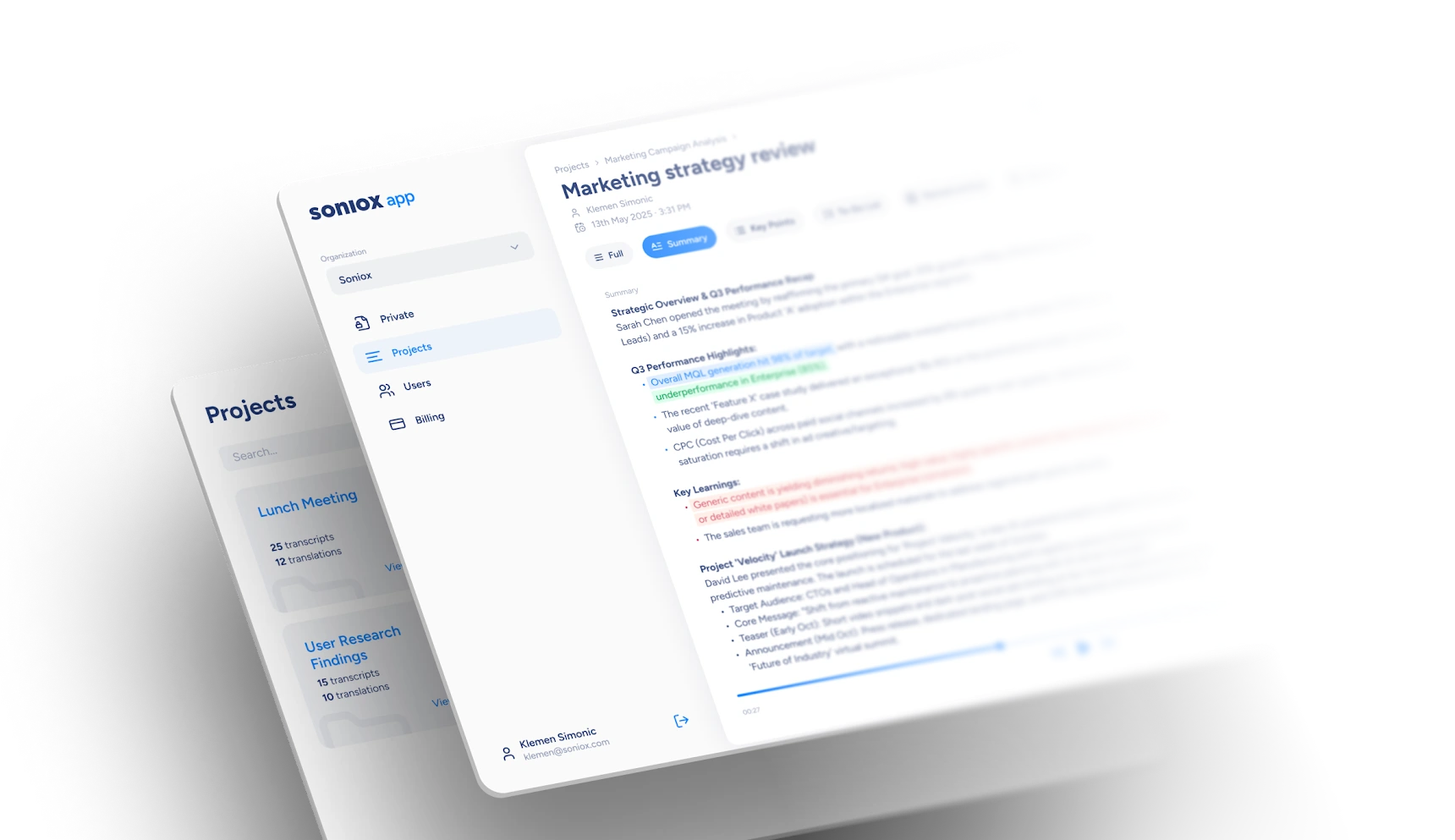
Built for teams, not just individuals

Soniox works great for capturing conversations on your own. Soniox App Business makes those conversations usable across a team, with shared transcripts and summaries, clear ownership, and the controls companies need to manage access, usage, and data.

Designed for collaboration and control

Manage your team
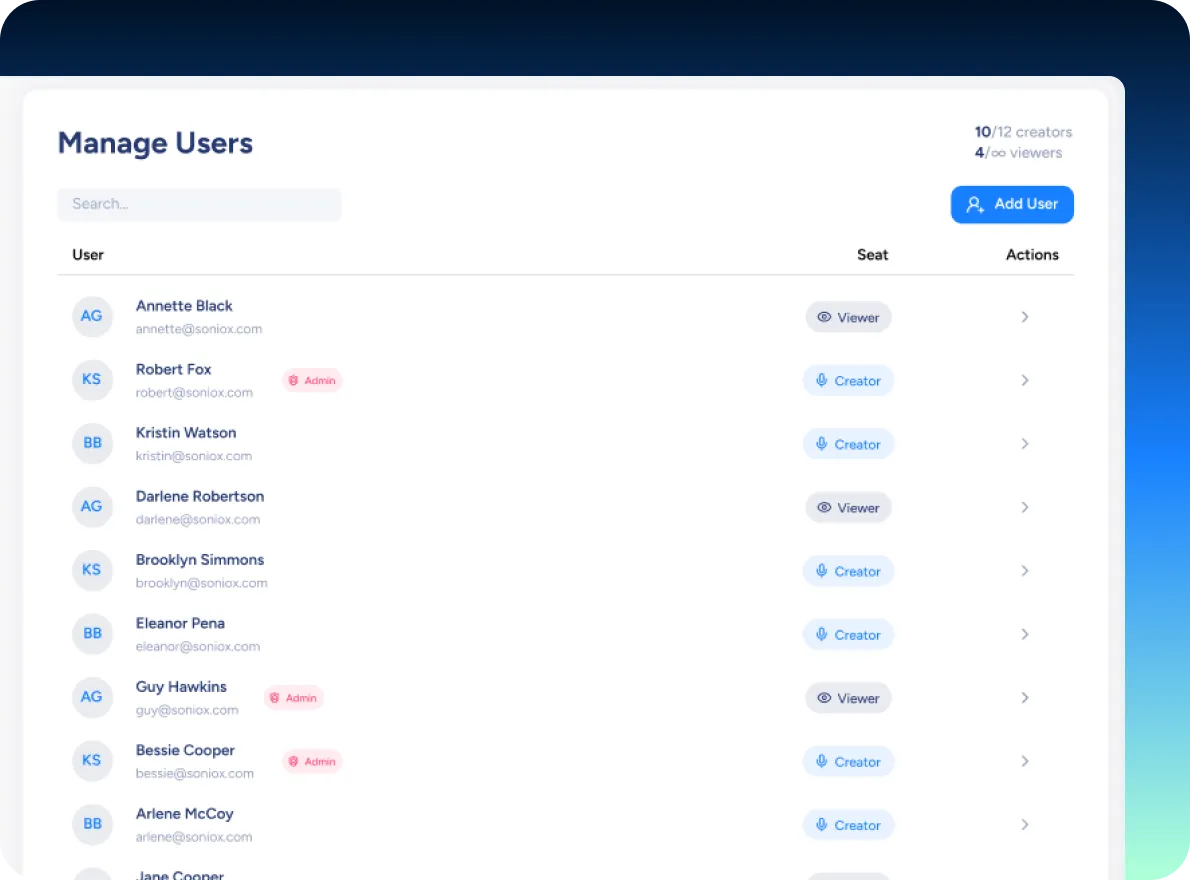
  • User and seat management
  • Roles and permissions
Work together
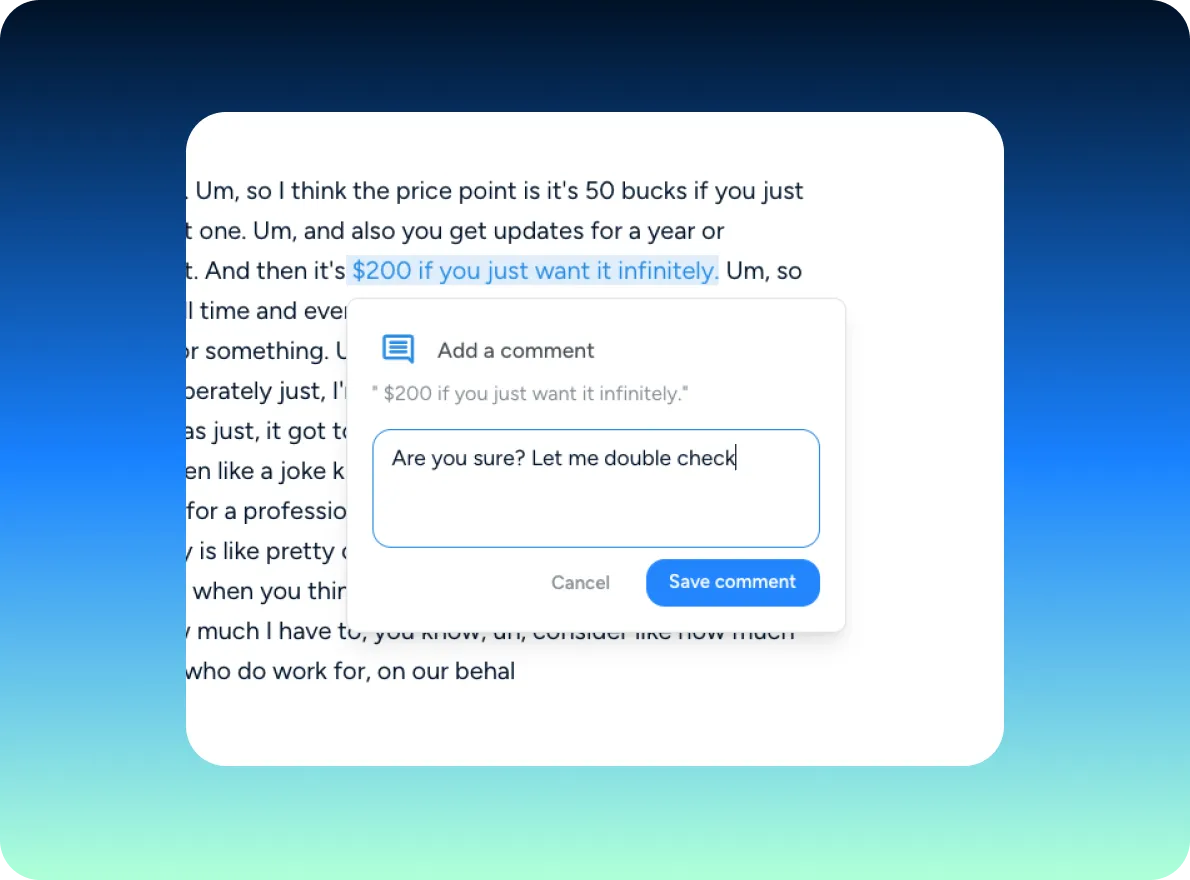
  • Shared projects and transcripts
  • One source of truth for meetings and calls
Stay in control
  • Usage visibility across the team
  • Centralized billing and predictable costs
Be enterprise-ready
  • Regional data residency options
  • Secure, scalable infrastructure
  • Built for regulated environments

Fits naturally into how modern teams work

Capture meetings and calls once, then share them across the team

Everyone sees the same transcripts, summaries, and notes.

Review interviews and customer calls together

Review interviews and customer calls together

Work across languages without extra coordination

Teams can collaborate even when conversations happen in different languages.

Build a searchable record of what was said

Conversations don’t live with one person or disappear after the meeting.

Full coverage across the Soniox App

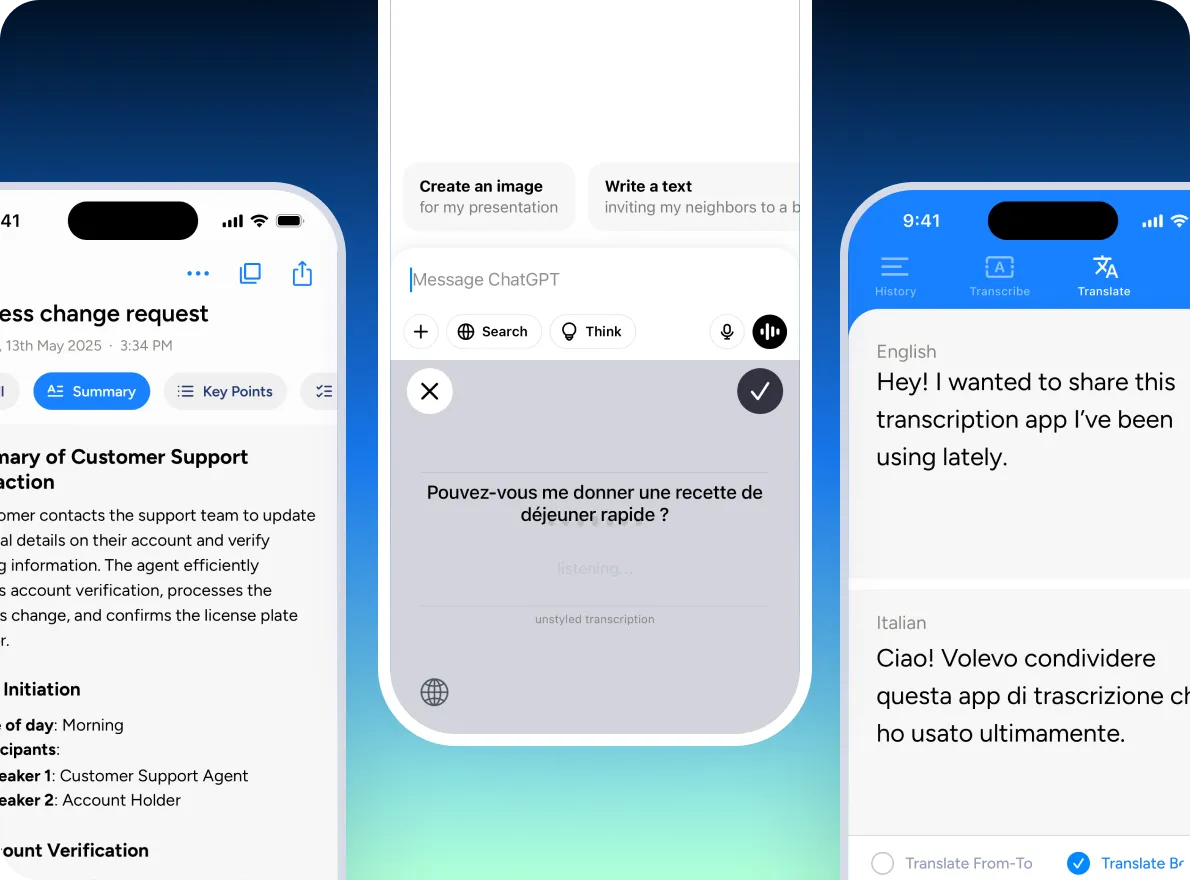
Soniox App Business supports team use across all core Soniox features, including:

For teams that rely on spoken conversations at scale

check_circle

Distributed or multilingual teams

check_circle

Research-, customer-, or interview-focused teams

check_circle

Teams that need shared visibility and oversight

check_circle

Organizations with security or compliance requirements

When to move to Soniox App Business

Teams often start with individual use. Once conversations need to be shared and managed across more than one person, Soniox App Business adds the structure teams need. You can switch to Business at any time as your team grows.

Get started

Bring your team into one shared Soniox workspace.

Frequently asked questions

What is Soniox Business?arrow_downward
Soniox Business is the team and organization plan of the Soniox App. It enables teams to transcribe, translate, and work with spoken conversations in real time, and to use voice typing across desktop and mobile — with shared workspaces, admin controls, and centralized billing.
Who is Soniox Business for?arrow_downward
Soniox Business is for teams and organizations where conversations and spoken input are central to work — including sales, customer support, operations, healthcare, education, research, and globally distributed teams working across languages.
What’s included in Soniox Business?arrow_downward
Soniox Business includes all Soniox App features, plus team and organization capabilities:
- Smart Scribe for capturing and summarizing conversations
- Real-time translation across 60+ languages (3,600+ language pairs)
- Voice Typing on desktop and mobile
- Shared team workspaces
- Transcript and summary sharing
- Admin controls and user management
- Centralized billing and invoicing
- Enterprise-grade privacy and security
Does Soniox Business support voice typing?arrow_downward
Yes. Soniox Business includes Voice Typing on both desktop and mobile, allowing team members to dictate text into any app or text field using their voice.
Can Soniox Business be used for meetings and long conversations?arrow_downward
Yes. Soniox Business is designed for longer conversations, meetings, interviews, and work sessions, with reliable speaker-aware transcription and post-conversation summaries.
Does Soniox Business support real-time translation?arrow_downward
Yes. Soniox Business supports real-time speech translation across 60+ languages, covering more than 3,600 language pairs. Translation is delivered chunk by chunk for low latency, without waiting for sentences to finish.
Can teams collaborate on transcripts and summaries?arrow_downward
Yes. Team members can access, review, and collaborate on shared transcripts and summaries within their organization’s workspace.
Can Soniox handle multilingual and mixed-language conversations?arrow_downward
Yes. Soniox handles multilingual conversations naturally, including speakers using different languages and switching languages mid-sentence.
How does Soniox Business handle privacy and data?arrow_downward
Soniox never stores audio recordings or uses audio for model training. Text outputs such as transcripts and summaries are stored only to provide the service to your organization.
Where can Soniox Business be used — mobile, desktop, or web?arrow_downward
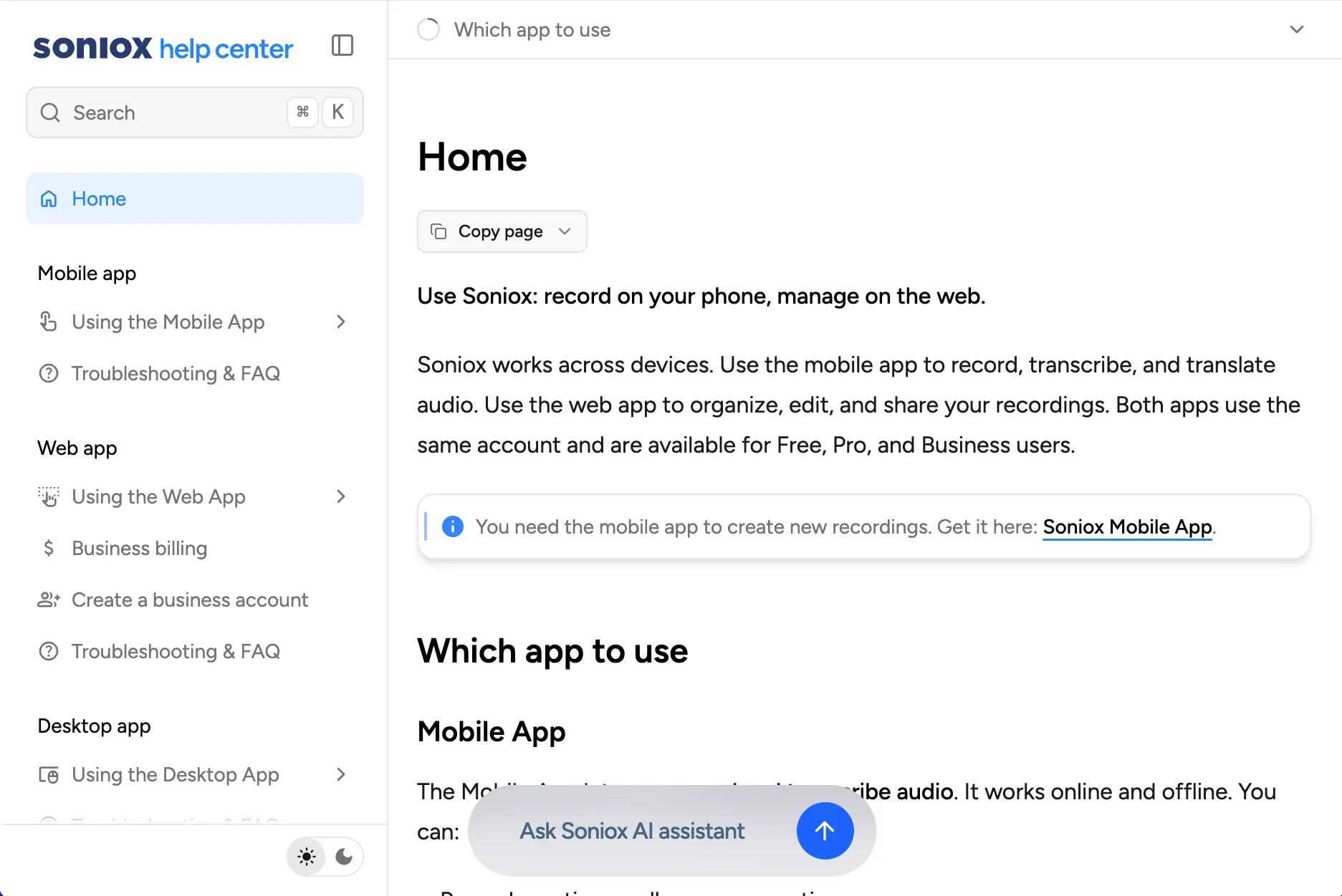
Conversations are captured on mobile devices. Voice Typing is available on both desktop and mobile. Transcripts, summaries, and team collaboration are available on the web.
Can administrators manage team access?arrow_downward
Yes. Soniox Business includes admin controls for managing users, access, and organization-level settings.
Is Soniox Business suitable for company-wide deployment?arrow_downward
Yes. Soniox Business is built for organization-wide rollout, with predictable billing, centralized management, and support for teams of any size.
How is Soniox Business different from Soniox Pro?arrow_downward
Soniox Pro is designed for individual use. Soniox Business adds shared workspaces, collaboration, admin controls, and centralized billing for teams and organizations.
How is Soniox Business different from the Soniox API?arrow_downward
Soniox Business is a ready-to-use application for teams. The Soniox API is for developers who want to build custom products and systems using Soniox’s real-time speech technology.
How do we get started with Soniox Business?arrow_downward
You can create a Soniox Business account here and invite your team to start using it right away.