Everything you do
with voice in Tagalog
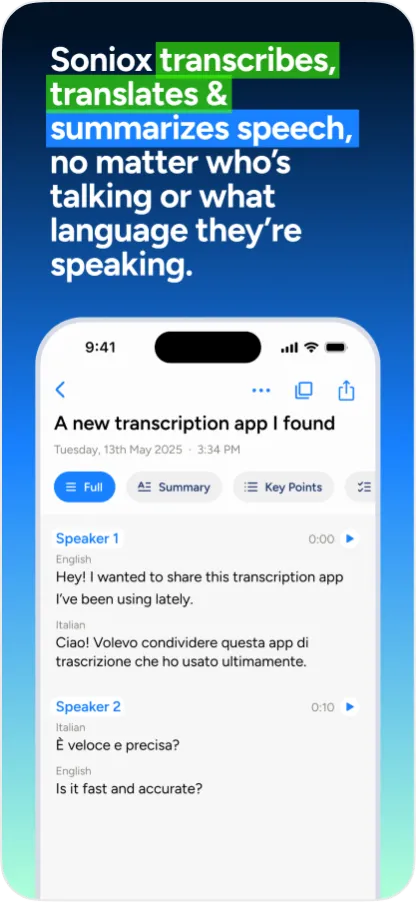
Transcribe and translate conversations in real-time, generate summaries, and type with your voice — all in Tagalog.
Download on the App Store and Google Play


Download for macOS and Windows
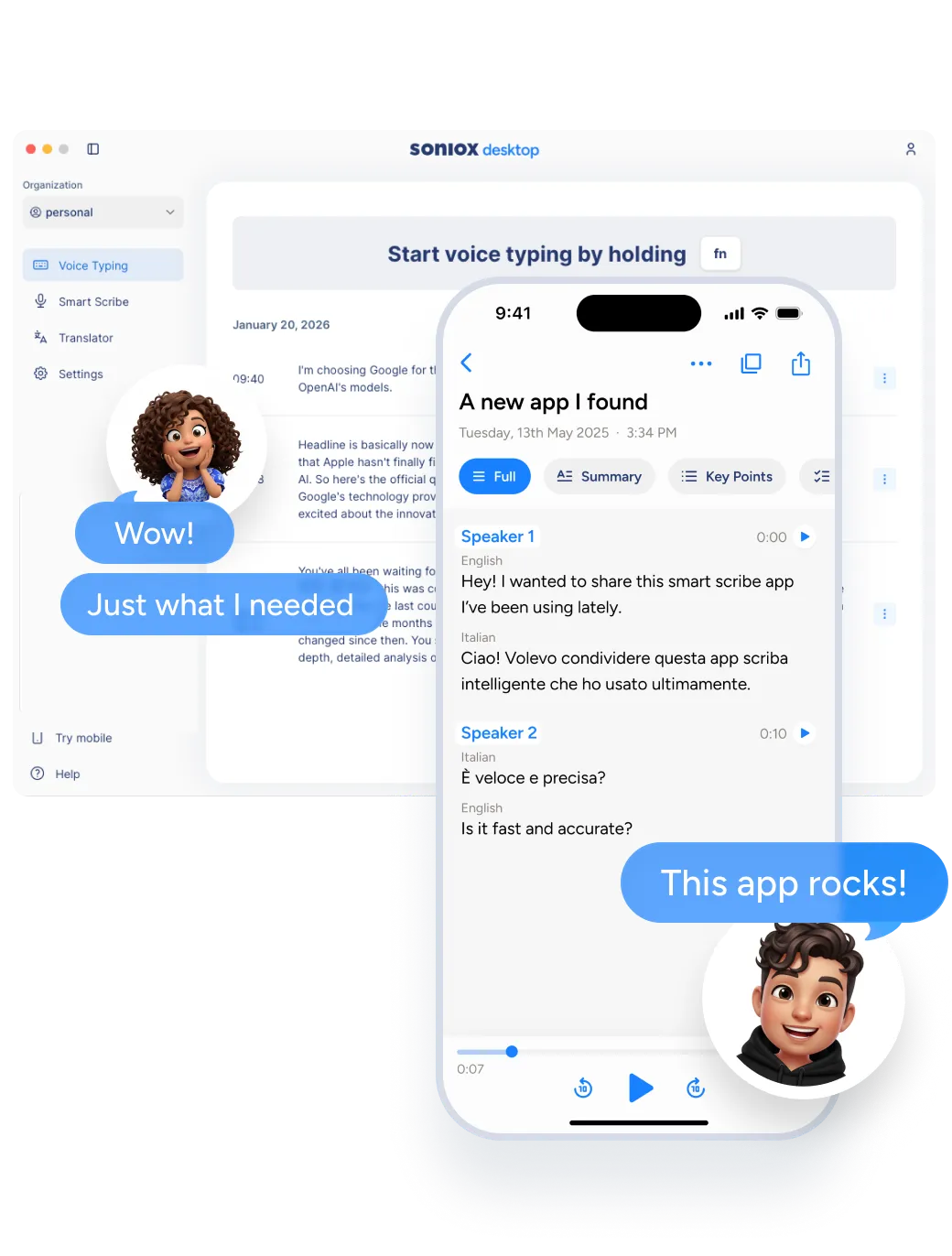
Smart Scribe
Capture conversations and remember what matters in Tagalog
- Live transcription of meetings and conversations in Tagalog
- Automatic summaries and action items
- No note-taking needed
- Works across 60+ languages
Available on: Mobile, Desktop
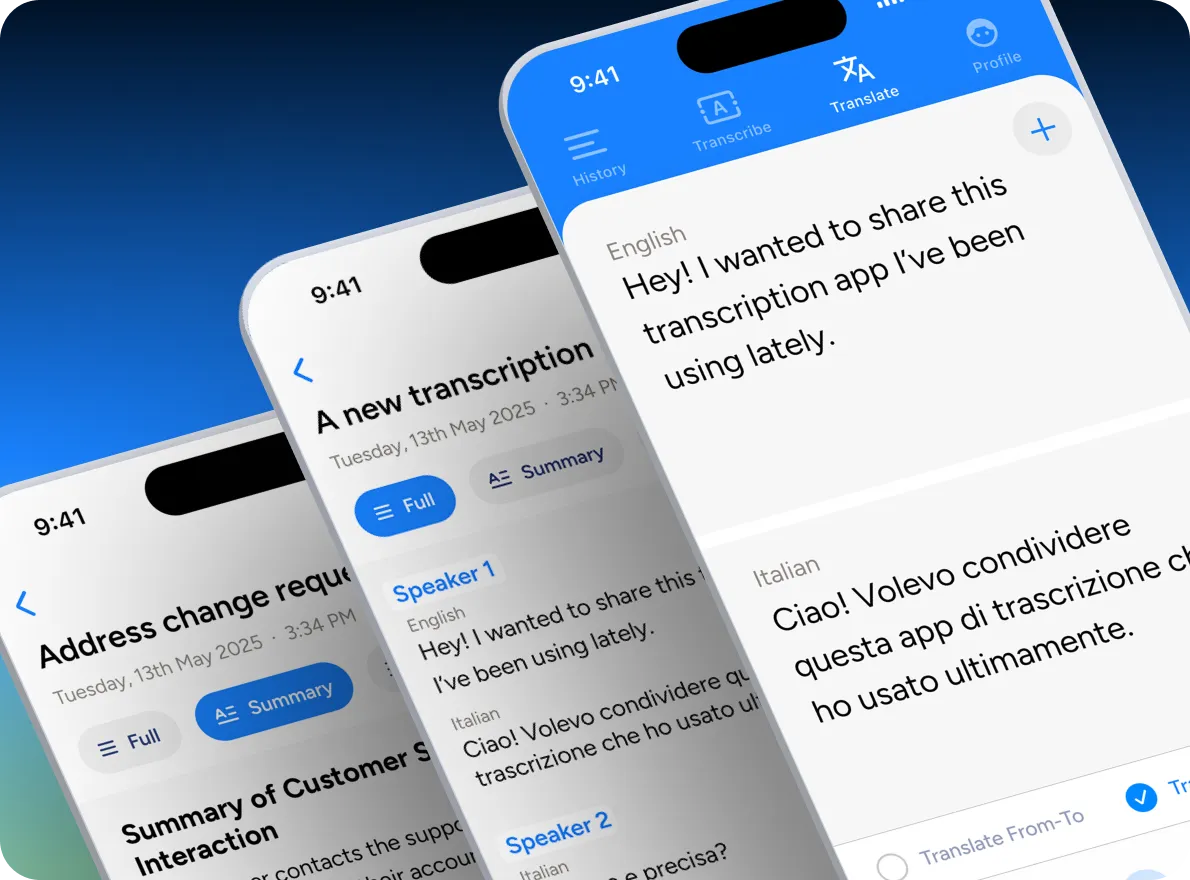
Translator
Understand and be understood instantly in Tagalog
- Real-time speech translation from and to Tagalog
- No waiting, conversations flow naturally
- Works anywhere, in any situation
- Supports 60+ languages
Available on: Mobile, Desktop
Voice Typing
Fastest Tagalog voice typing
- Dictate into any app or text field by speaking Tagalog
- Choose formal or casual style
- Up to 4× faster than typing
- Works in 60+ languages
Available on: Mobile, Desktop
One app. Everything you do with voice in Tagalog.
Works where you work
Use Soniox App throughout your day, across your devices, in Tagalog.
Capture conversations and ideas wherever you are
- Record meetings, calls, and interviews in Tagalog
- Transcribe live or translate in real-time
- Use voice typing for notes, messages, and documents
- Get summaries and insights instantly after you finish
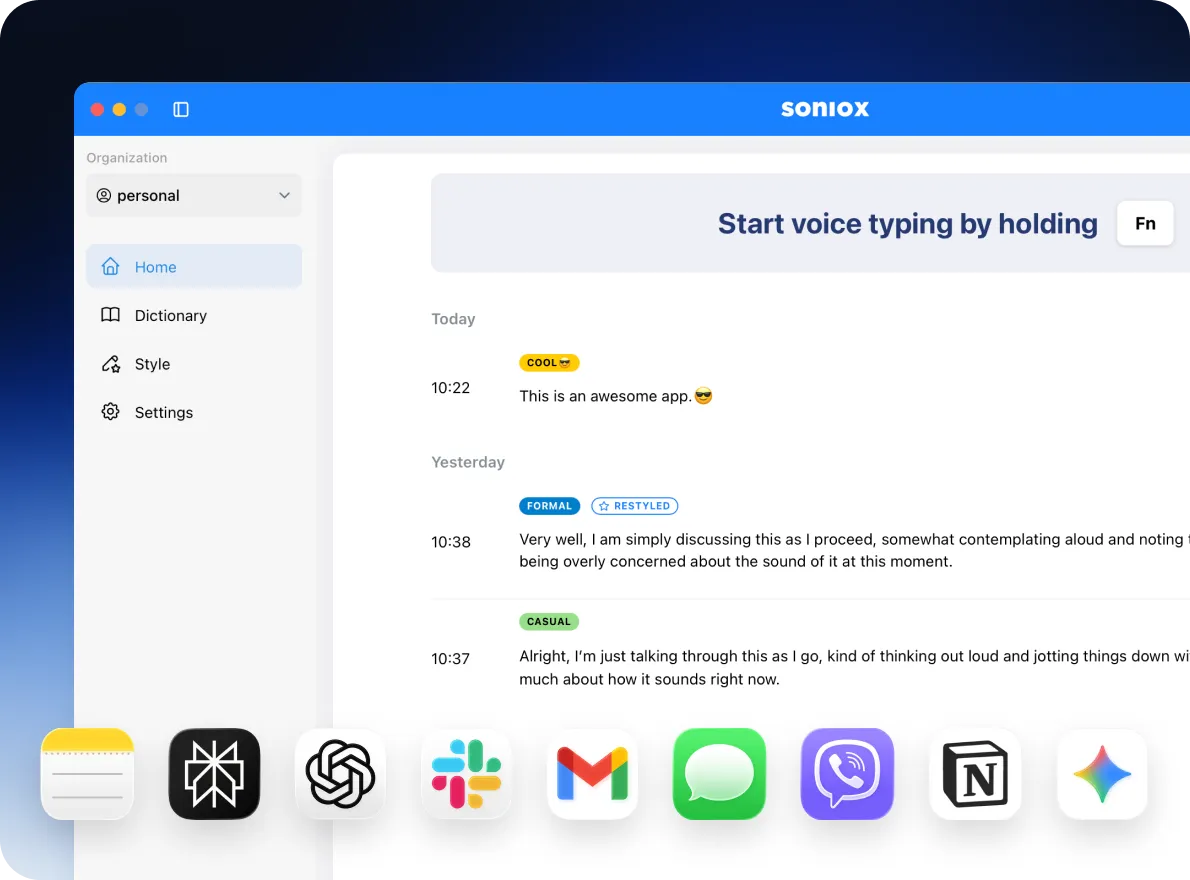
Voice type in Tagalog on your computer
- Record, transcribe, and translate in real-time
- Voice type in Tagalog in any app or text field
- Ideal for longer writing, meetings, and focused work
- Fast, low-latency performance in Tagalog and 60+ other languages
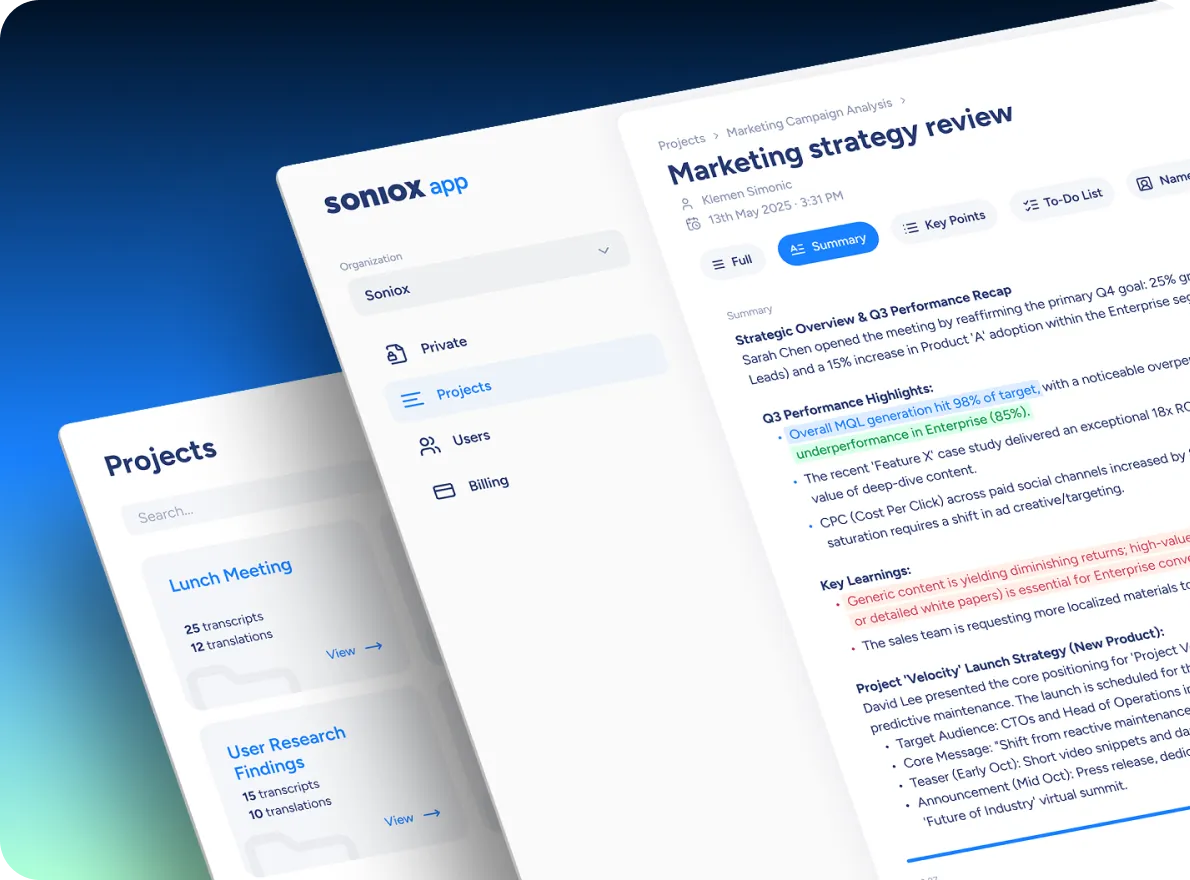
Review, organize, and share your work
- Review Tagalog transcripts and create summaries
- Organize conversations and projects
- Share transcripts and summaries with anyone
Private by default
Soniox never stores your recordings and never uses your audio to train models. Everything is processed securely in real-time, then gone.
Try Soniox App today
Free. Built for work, life, and everything in between.

Download on the App Store and Google Play

Download for macOS and Windows
Works across 60+ languages
Learn everything Soniox can do
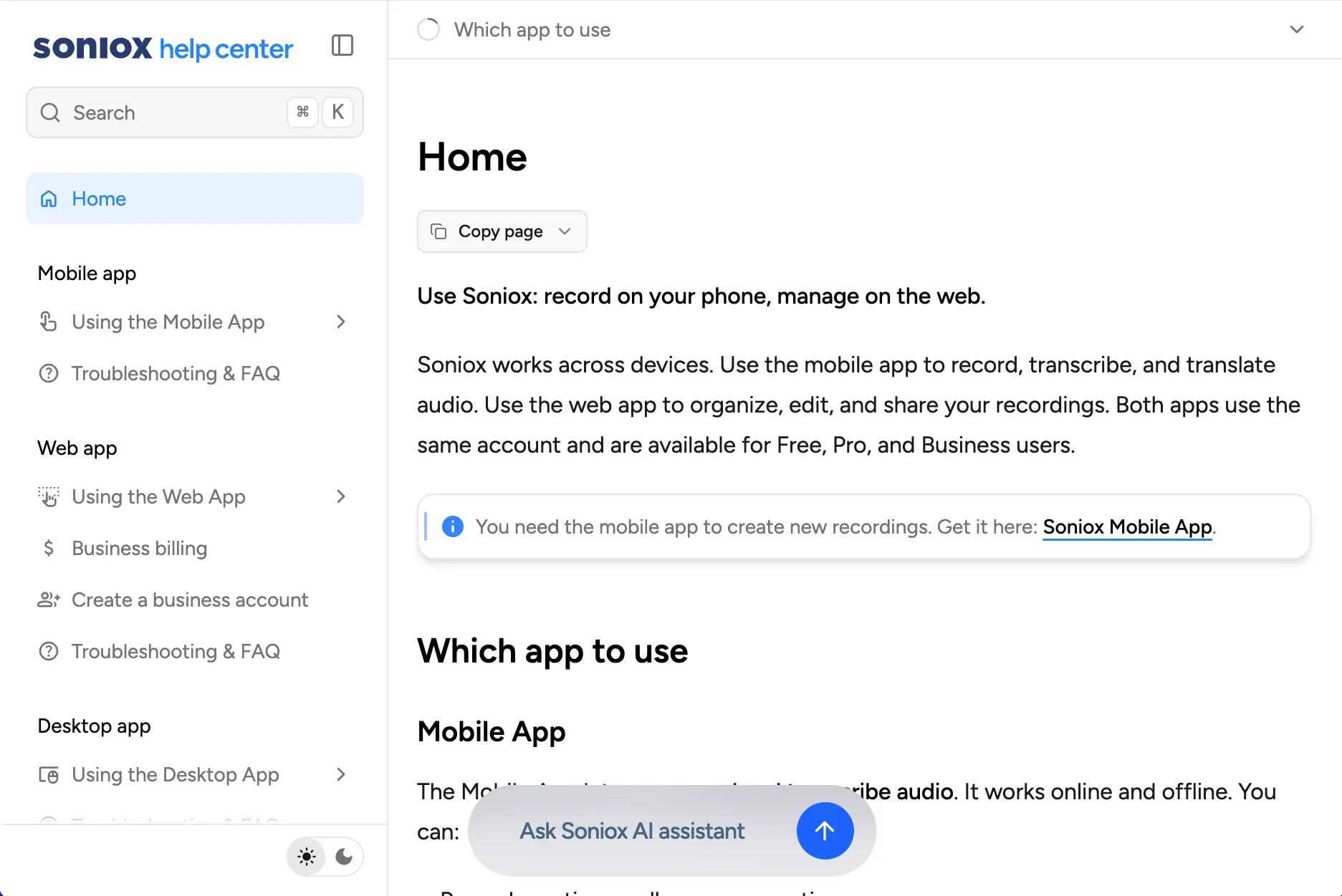
Need more details? The Soniox Help Center provides complete documentation for the app, including guides, videos, screenshots, and feature walkthroughs.
Learn how to use Smart Scribe, Translator, Voice Typing, and more.
Explore the Help Center