Turn Kannada speech into understanding
Transcribe conversations in Kannada in real-time, generate summaries, analysis, and answers to your questions.
Download on the App Store and Google Play


Download for macOS and Windows
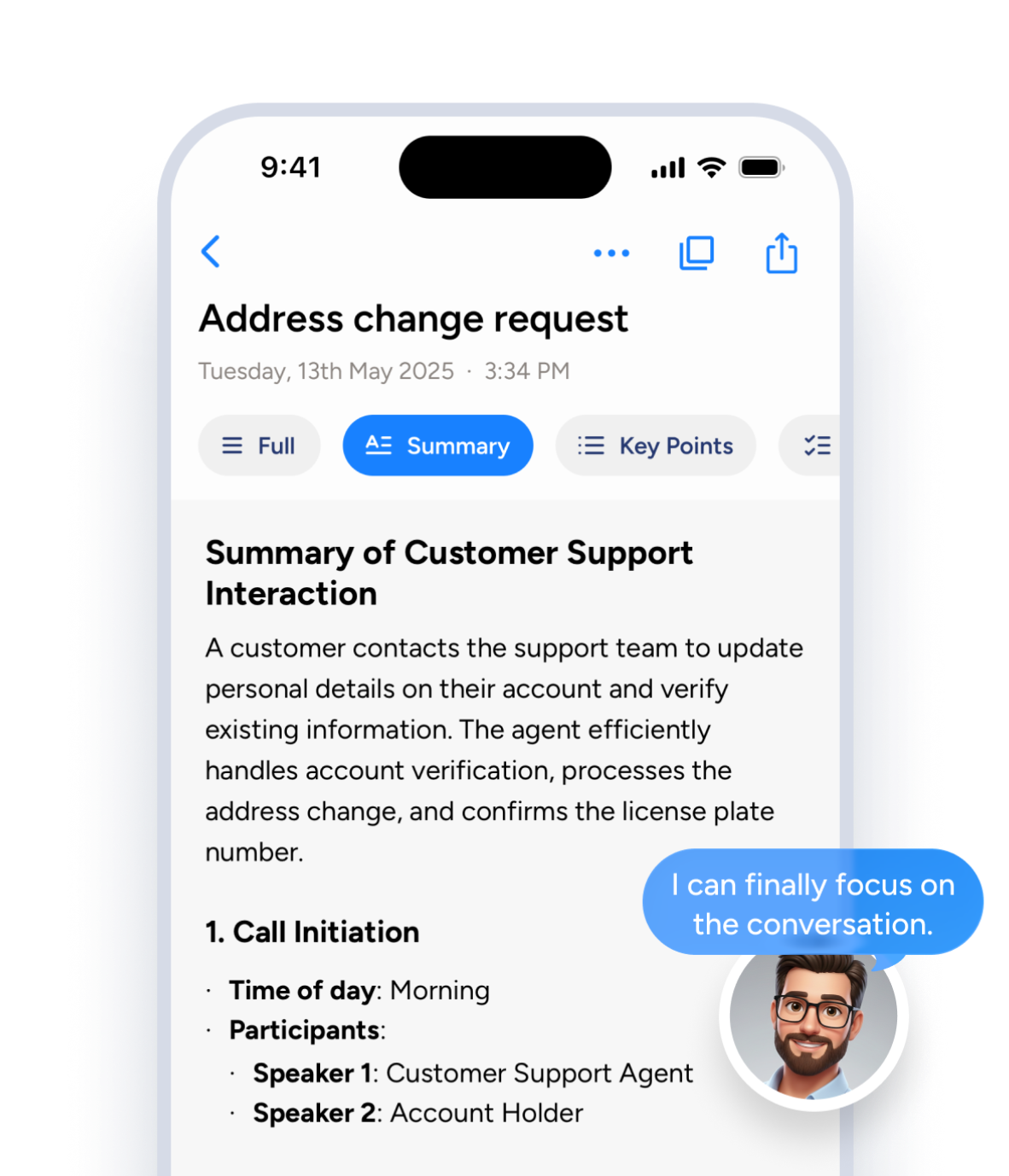
One tap to record, and Soniox App does the rest
Use Smart Scribe across mobile and desktop
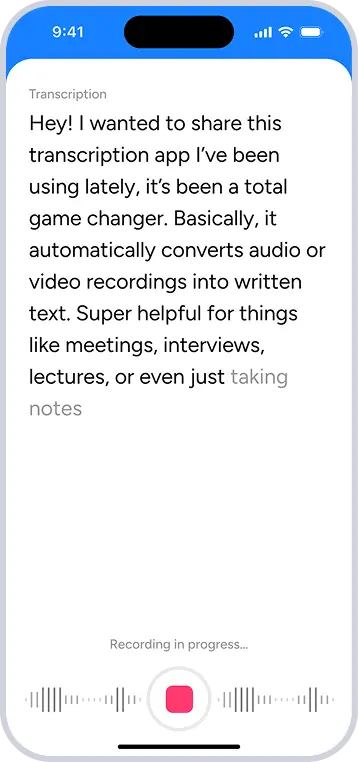
1. Start talking
Tap once to start speaking naturally in Kannada.
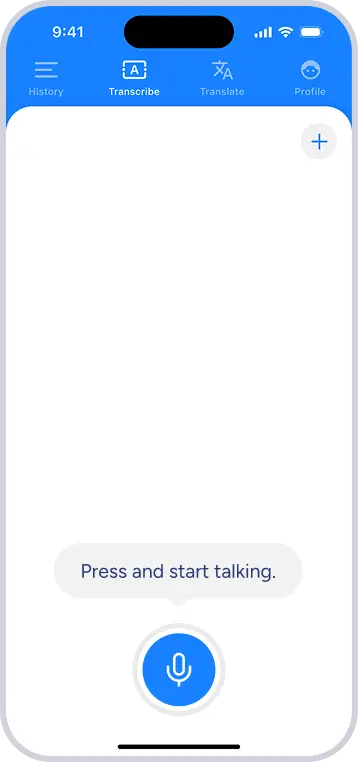
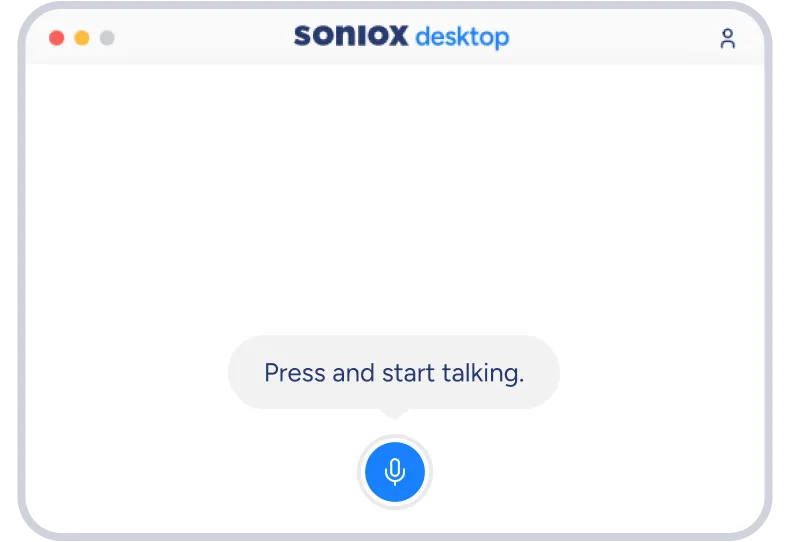
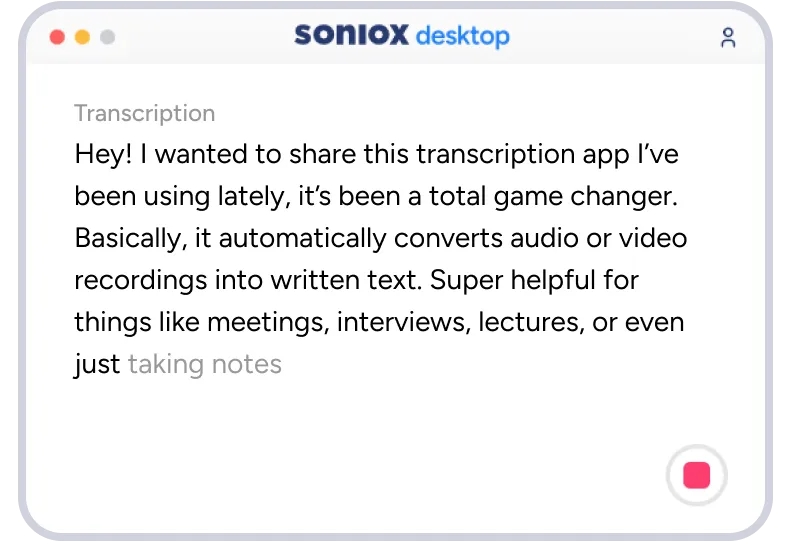
2. Transcribe
See every word spoken in Kannada appear instantly.
3. Summarize and organize
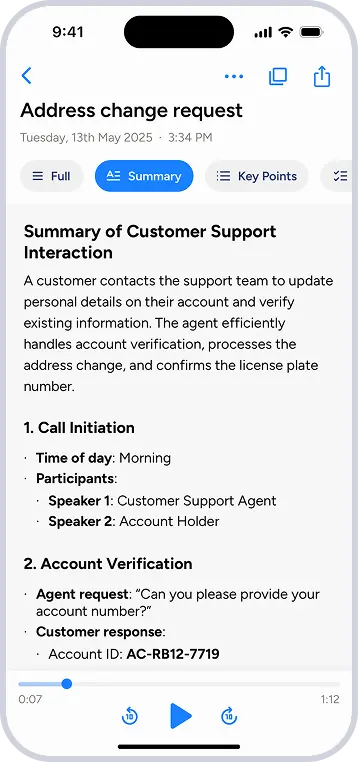
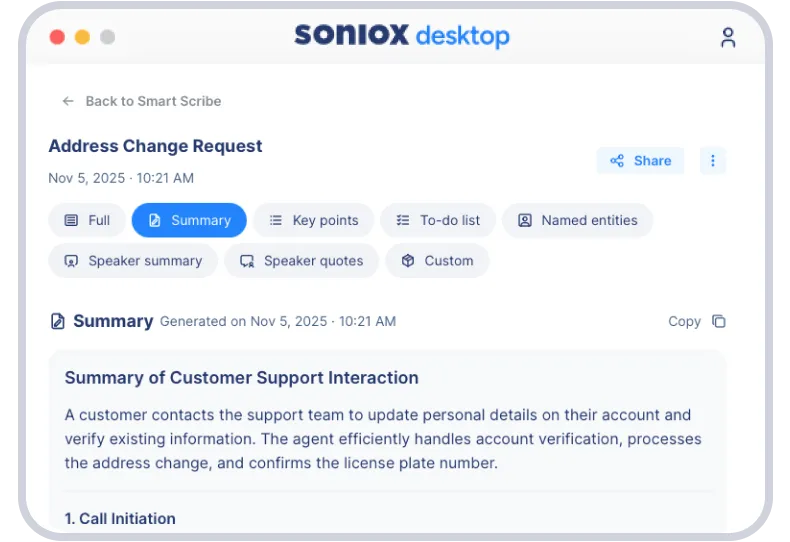
Get insights, takeaways, and searchable transcripts from your Kannada conversations.
Capture and make sense of Kannada conversations
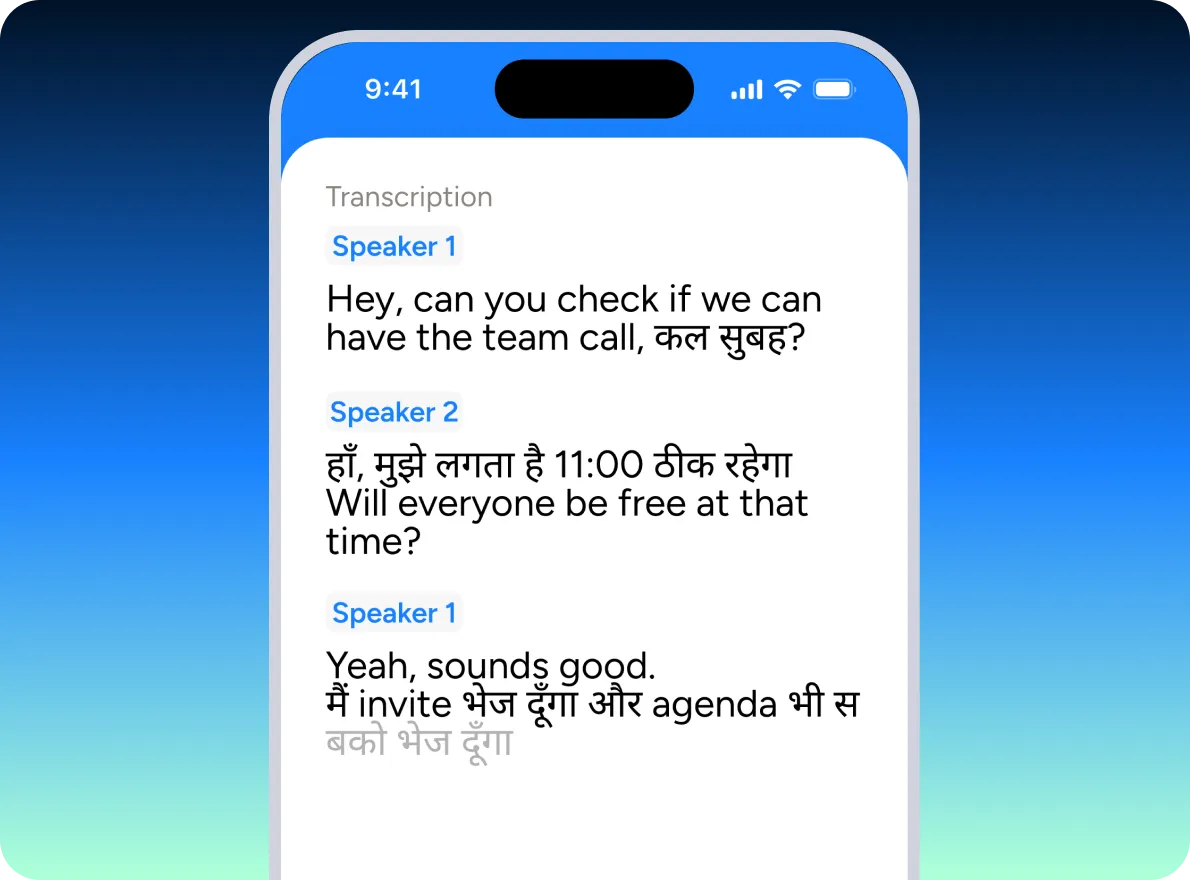
Kannada live transcription
Follow conversations as they happen, including conversations in Kannada and across multiple languages.
- Real-time transcription as conversations unfold
- Native-speaker accuracy in Kannada and 60+ languages
- Natural language switching mid-sentence
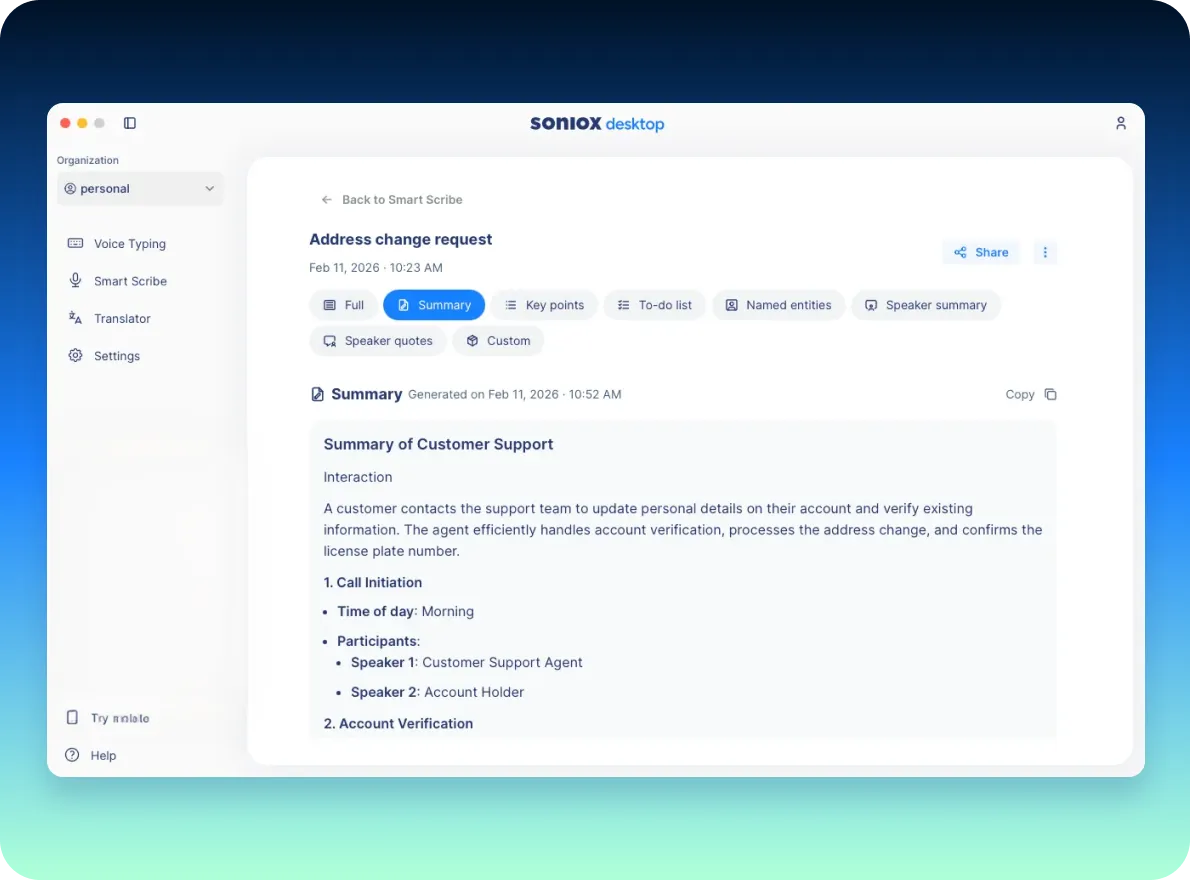
Automatic summaries and takeaways
Get what matters from Kannada conversations without manual note-taking.
- Concise conversation summaries
- Key points, decisions, and highlights captured automatically
- Action items surfaced in real-time
Full coverage across the Soniox App
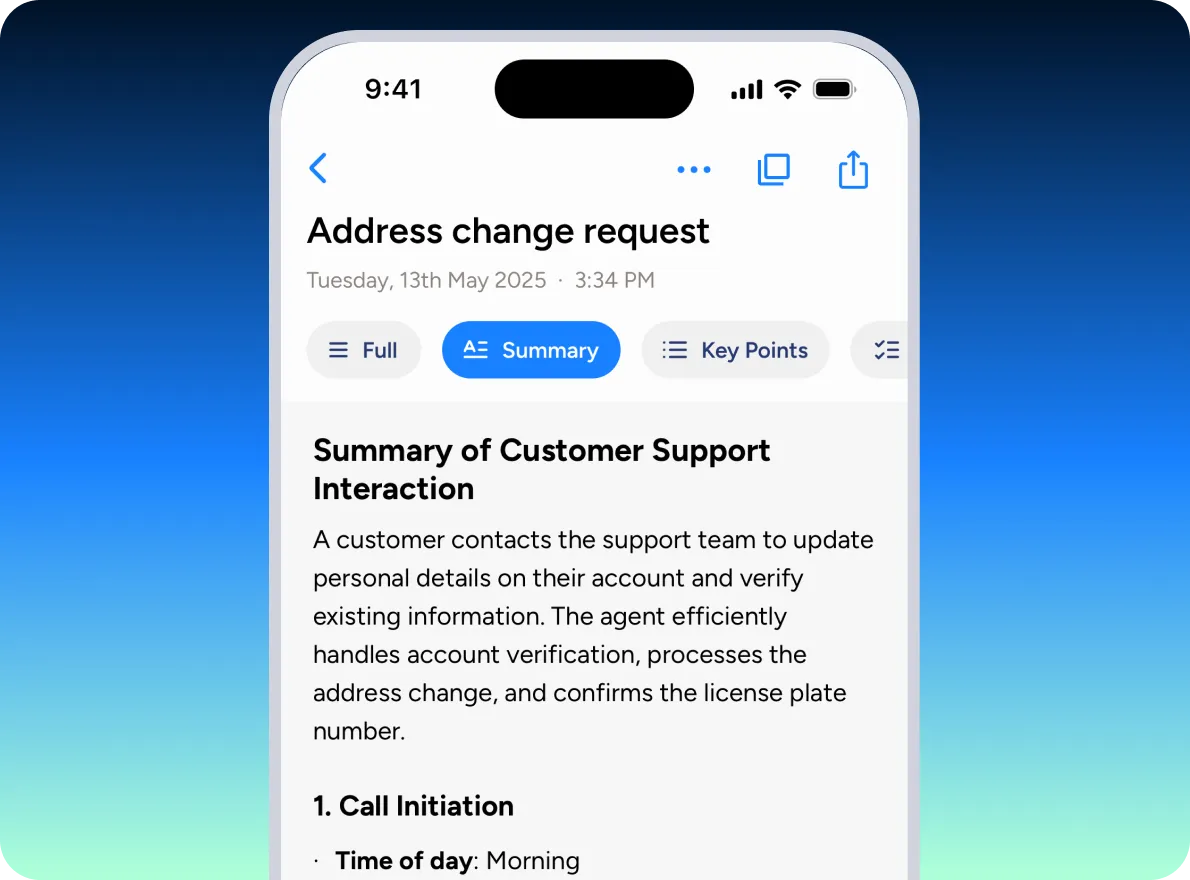
Turn long Kannada conversations into clear, usable artifacts.
- Notes organized into readable sections
- Speaker-structured transcripts instead of a single wall of text
- Ready to copy, share, or edit
Search and revisit conversations
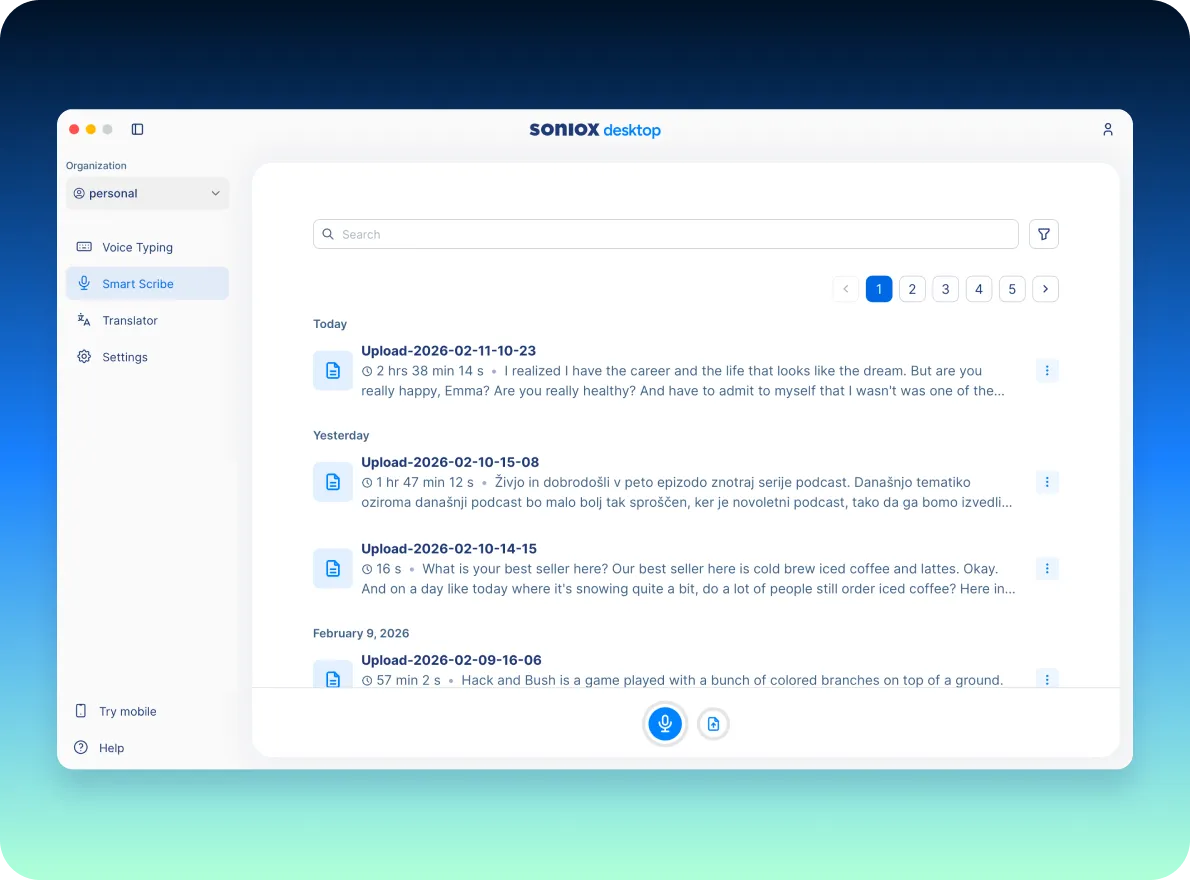
Find what you need from past Kannada conversations without digging or replaying.
- Find past conversations instantly
- Jump directly to important moments
- Full context preserved
Use Smart Scribe across mobile and desktop
Smart Scribe works wherever Kannada conversations happen, helping you capture and organize Kannada discussions without changing how you work.
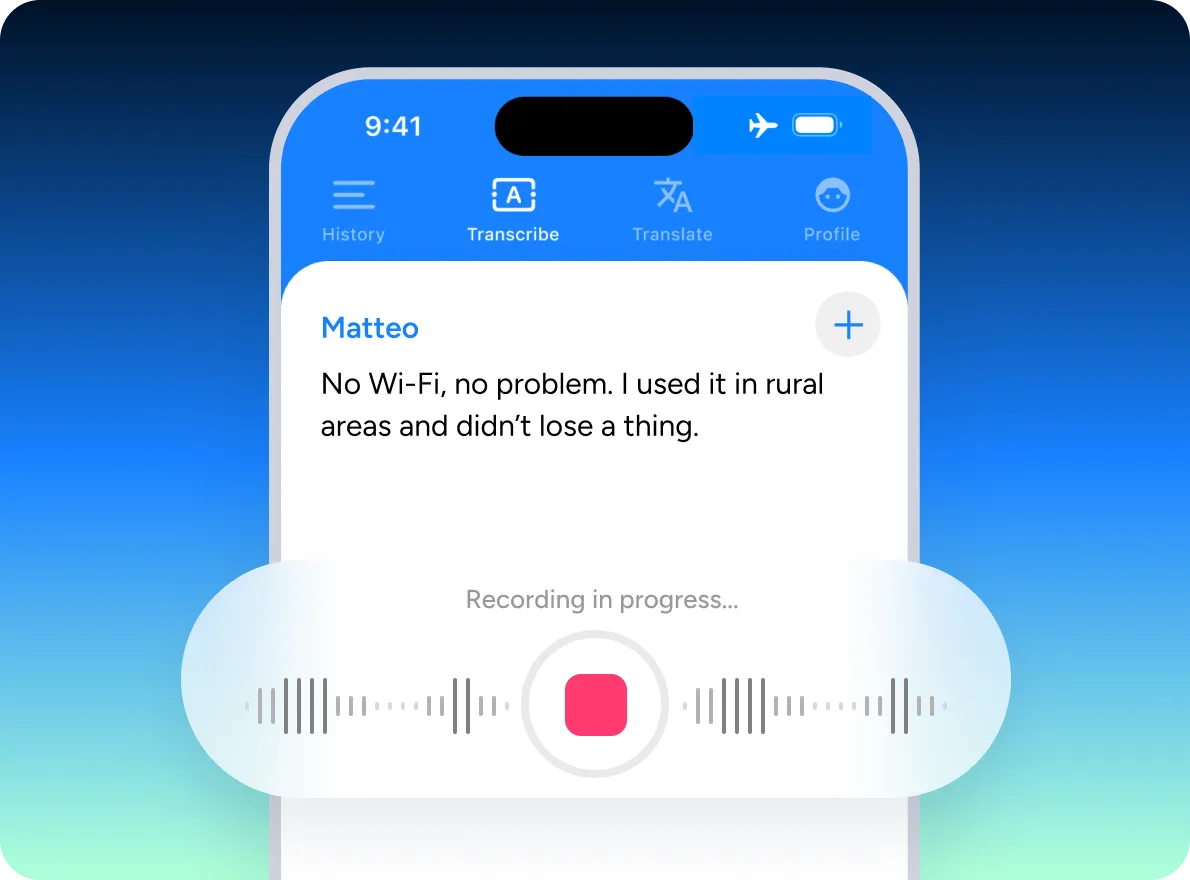
Mobile
Capture Kannada conversations wherever you are.
- Record and transcribe Kannada conversations on the go
- Summaries and takeaways generated automatically
- Designed for meetings, voice notes, and everyday Kannada conversations
Desktop
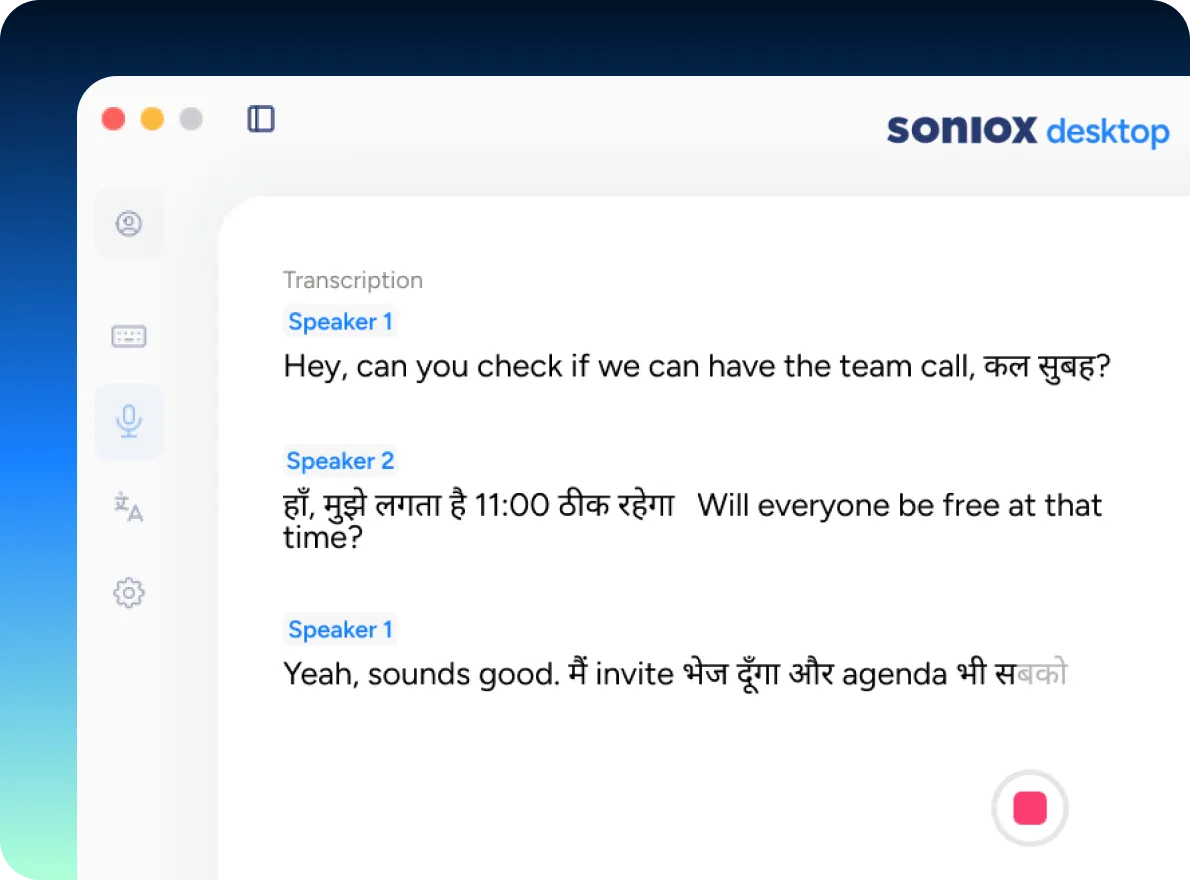
Capture and structure Kannada conversations directly from your computer.
- Record and transcribe meetings, calls, and discussions in Kannada in real-time
- Automatic summaries, key points, and action items as conversations unfold
- Ideal for meetings, interviews, and longer work sessions for Kannada speaking teams
Never miss what matters in a Kannada conversation
Designed for longer conversations and work sessions.
Meetings and team discussions
Follow along live, then get decisions, takeaways, and action items from Kannada discussions captured automatically.
Calls and interviews
See transcription and translation as people speak in Kannada, while Smart Scribe handles notes and summaries in the background.
Lectures, talks, and research conversations
Keep up in the moment, then return to the key ideas from Kannada conversations without re-listening.
Personal voice notes and reflections
Speak Kannada freely, see your thoughts captured live, then turn them into something clear and usable.
How Smart Scribe fits into the Soniox App
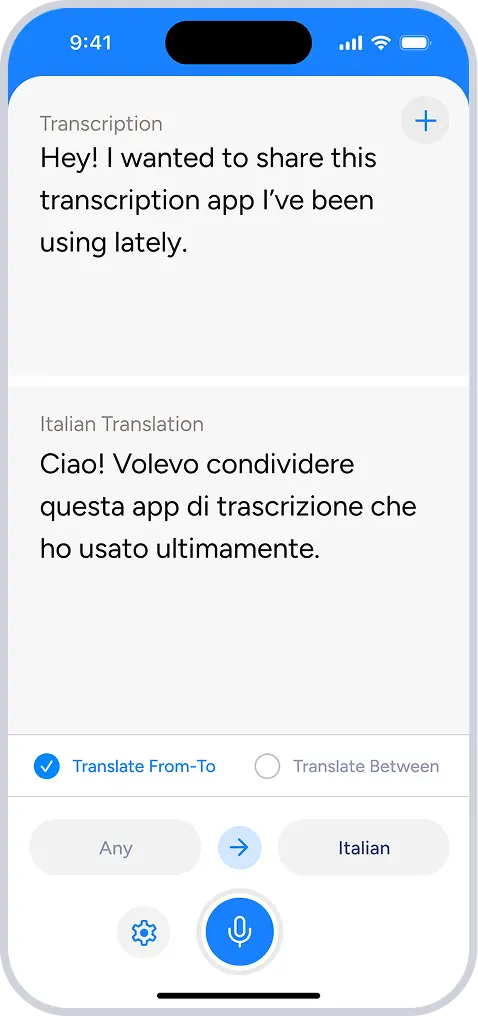
Smart Scribe, Translator, and Voice Typing cover three ways people work with speech.
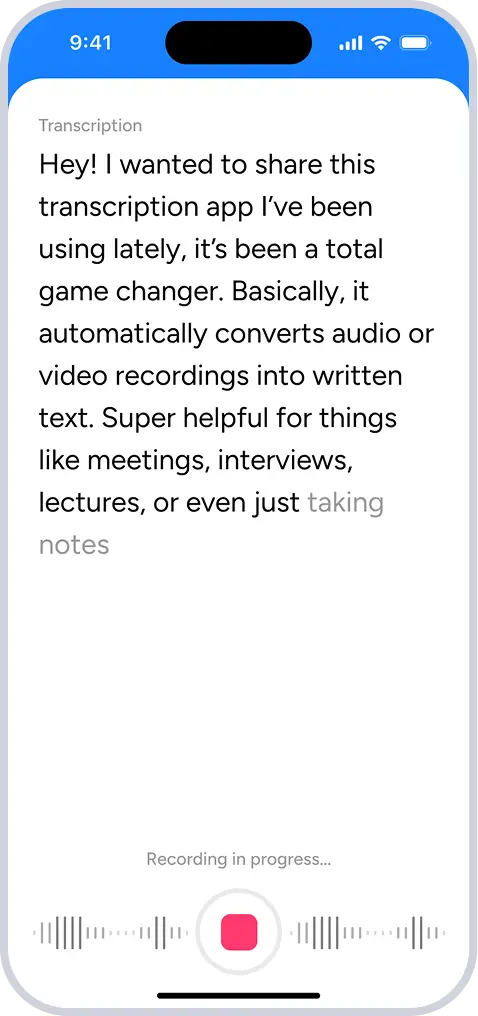
Smart Scribe
Capture and work with conversations
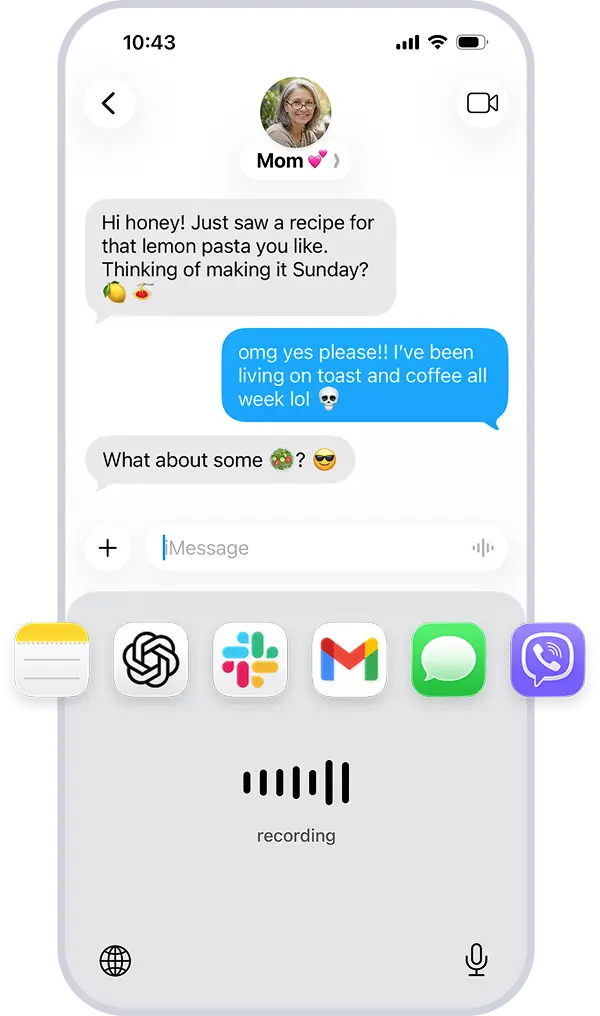
One app. Everything you do with voice in Kannada.
Get started free
Transcribe Kannada conversations in real-time with Soniox.
Download on the App Store
Download for macOS and Windows
Works across 60+ languages, including Kannada
Learn everything Soniox can do
Need more details? The Soniox Help Center provides complete documentation for the app, including guides, videos, screenshots, and feature walkthroughs.
Learn how to use Smart Scribe, Translator, Voice Typing, and more.
Explore the Help Center