Type anywhere with your voice in Russian
Type with your voice in any app. Fast, accurate, in Russian and 60+ other languages. Speak naturally wherever you work.
Download on the App Store

Download for macOS and Windows
Russian voice typing, built into every app
Use Voice Typing across mobile and desktop
Use it everywhere
Voice Typing lets you use your voice as your keyboard, directly inside the apps you already use — typing naturally in Russian.
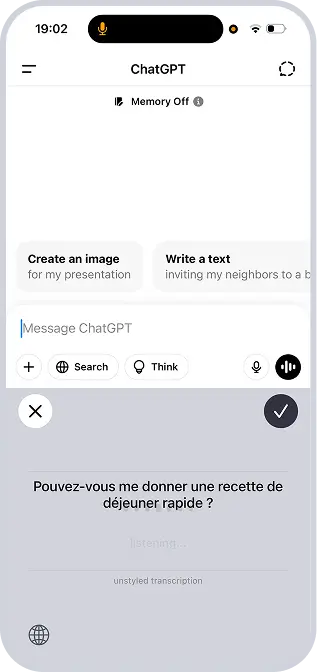
Text appears instantly
As you speak in Russian, text appears instantly in the active text field. No special editors, extra steps, or switching tools.
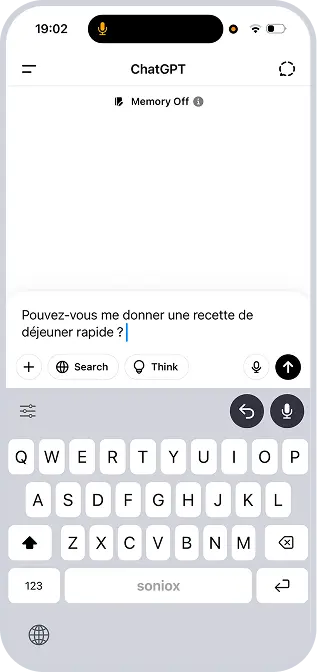
Desktop or Mobile
It works across apps and text fields on desktop or mobile, so you can type naturally in Russian wherever you’re working.
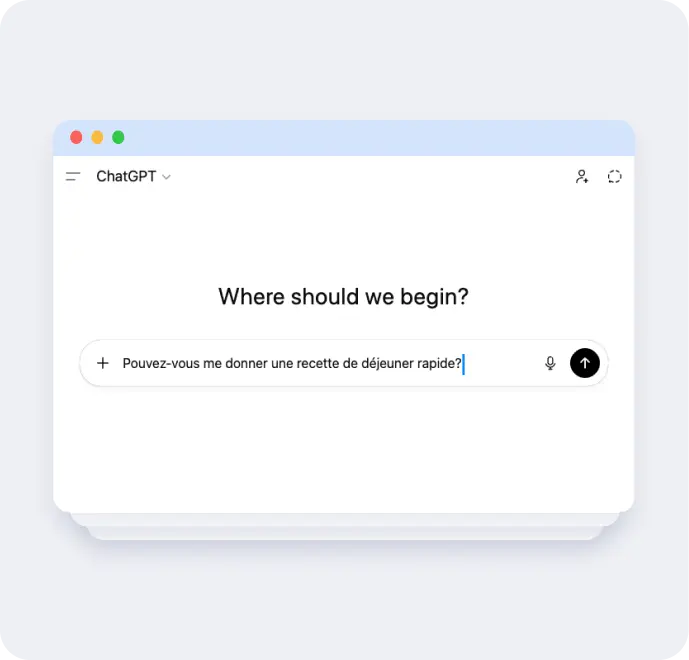
Turn speech into text anywhere
Individuals use Soniox to record conversations, generate transcripts and summaries, and type with their voice in Russian.
Type into any app
Use your voice anywhere you normally type in Russian.
- Dictate messages, documents, notes, and emails in Russian
- Works across apps, fields, and text inputs
- No switching contexts or copying text
- Works system-wide, no integrations required
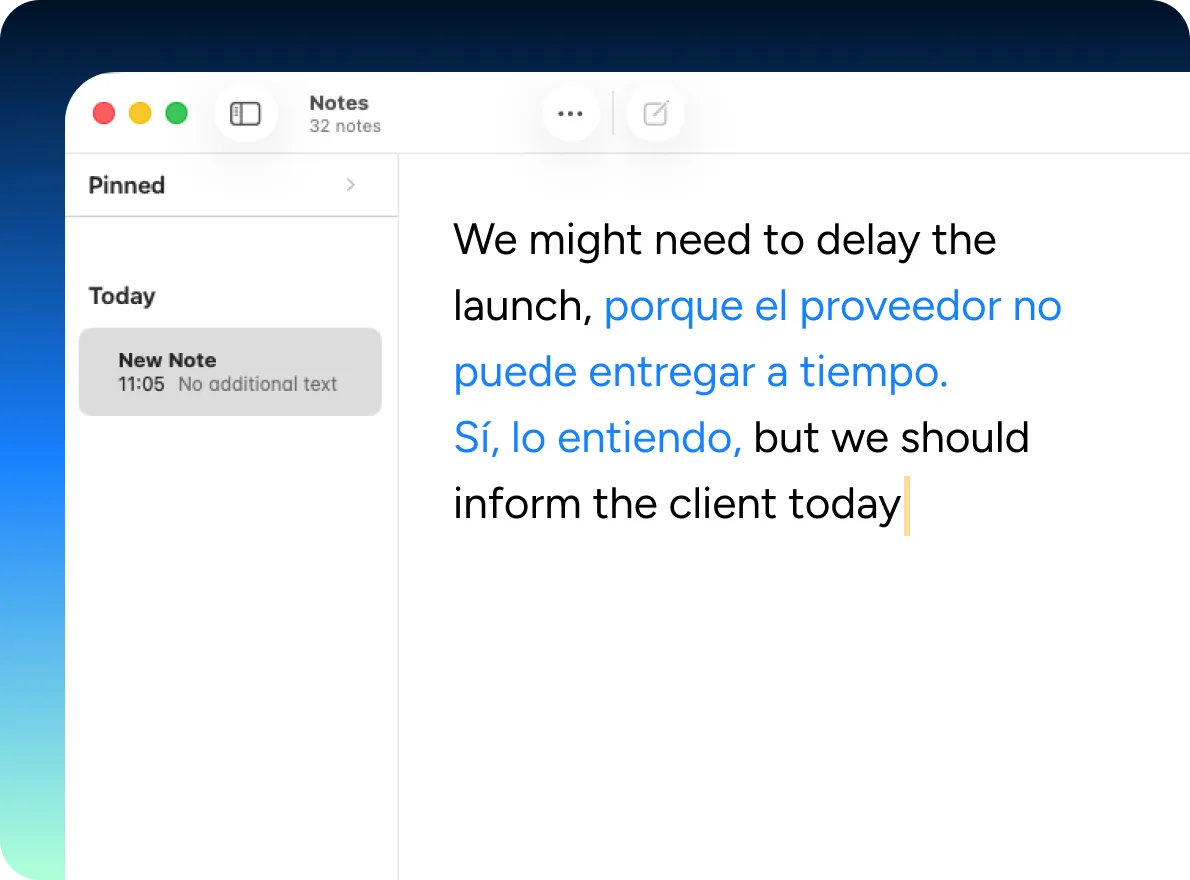
Speak naturally, in Russian
Type the way you actually talk.
- Unmatched accuracy in Russian and 60+ languages
- Handles accents and language switches mid-sentence
- Keeps up with natural speaking speed
Stay fast and in flow
Turn thoughts into text in Russian without slowing down.
- Near-instant transcription
- Designed for continuous, real-time use
- Keeps pace with everyday typing and writing
Use Voice Typing across mobile and desktop
Voice Typing is designed for everyday writing in Russian, from short messages to longer documents, without changing how or where you work.
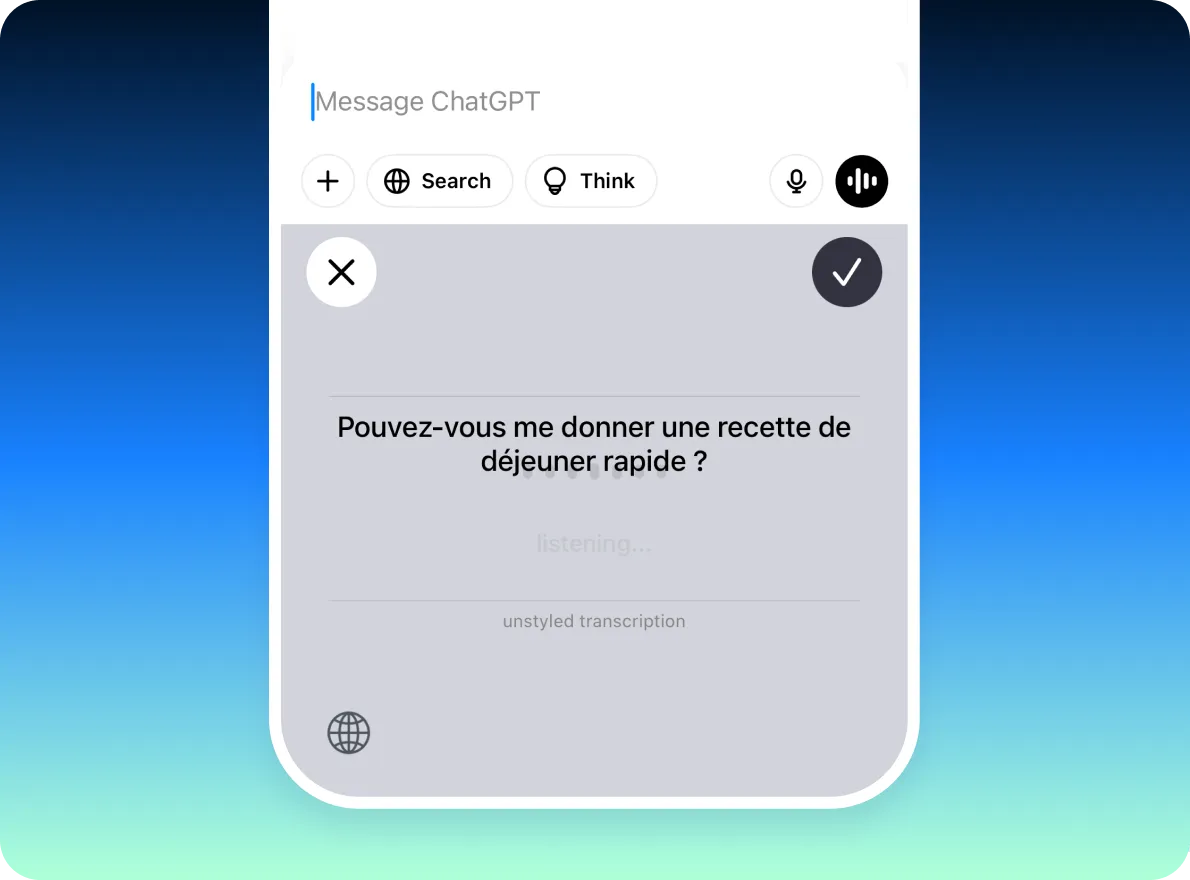
Mobile
- Dictate into any app on your phone in Russian
- Works across messages, notes, browsers, and forms
- Designed for everyday, on-the-go typing
Desktop
- Use your voice anywhere you normally type on your computer in Russian
- System-wide; works across any desktop app
- Ideal for longer writing and work sessions
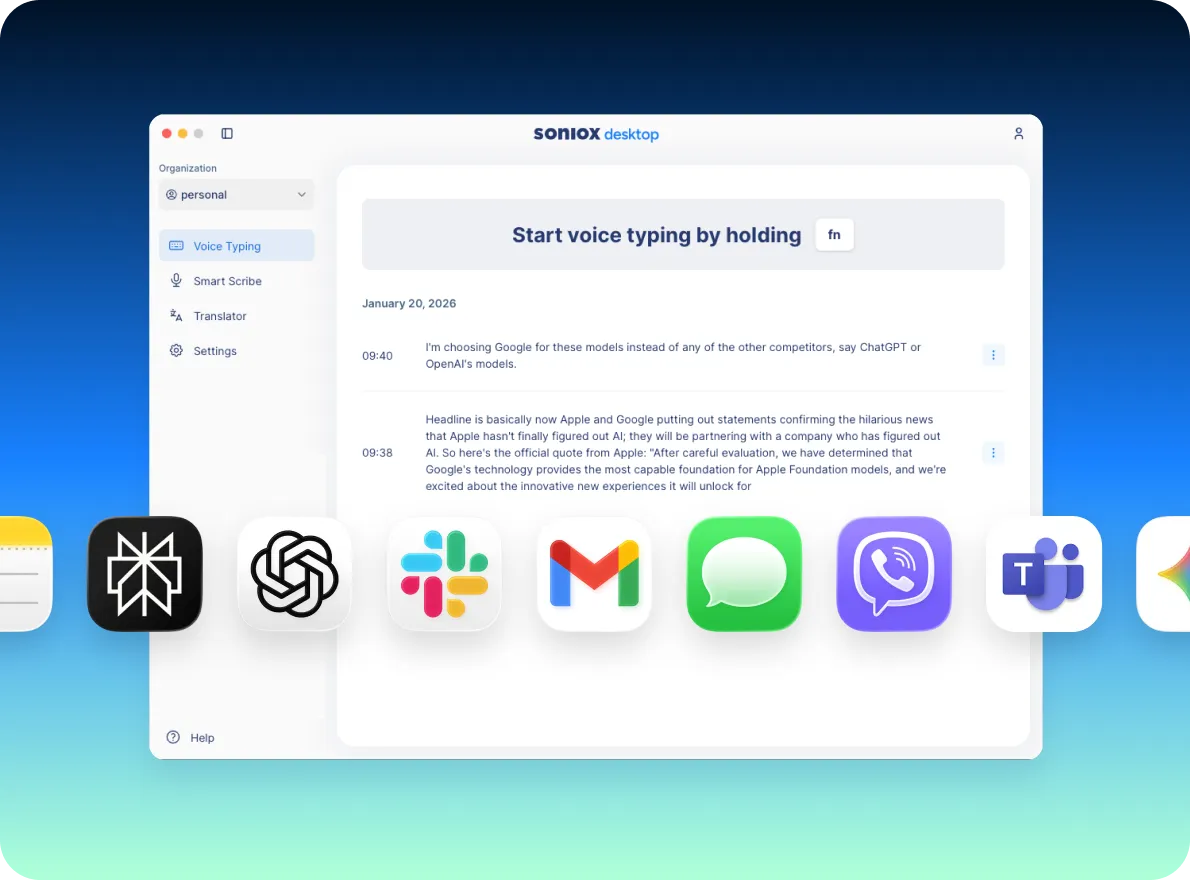
Type in Russian, without a keyboard
Use Voice Typing anytime speaking in Russian is easier, faster, or more comfortable than typing.
Writing messages and emails in Russian
Get thoughts down quickly without stopping to type.
Drafting documents and notes
Speak naturally in Russian and edit as you go.
Writing in multiple languages
Switch languages effortlessly as you speak, including Russian.
Accessibility or hands-free use
Type comfortably in Russian without relying on a keyboard.
How Voice Typing fits into the Soniox App
Voice Typing, Smart Scribe, and Translator cover three ways people work with speech:
Voice Typing
Speak to type anywhere
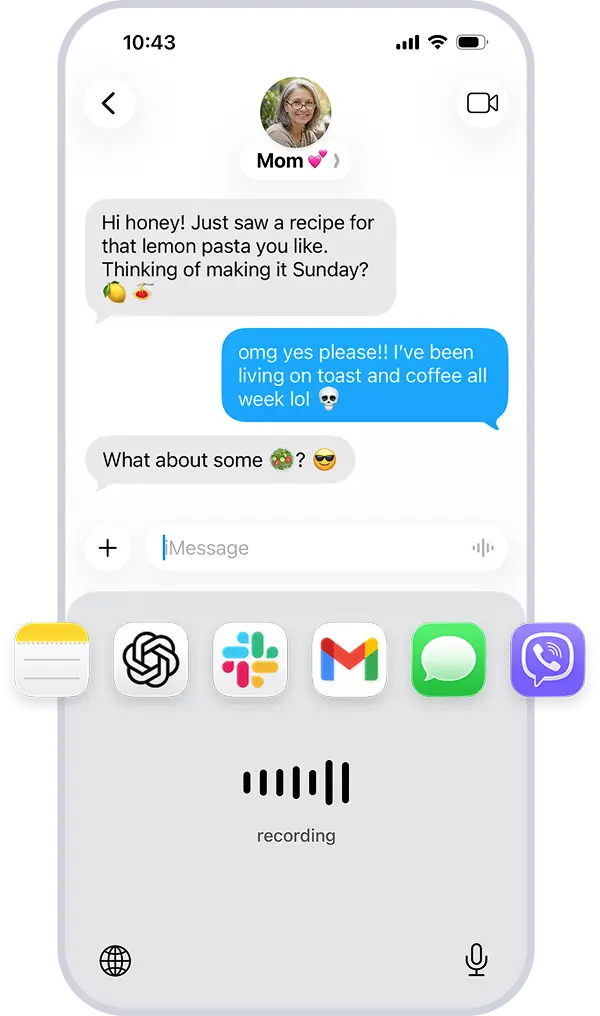
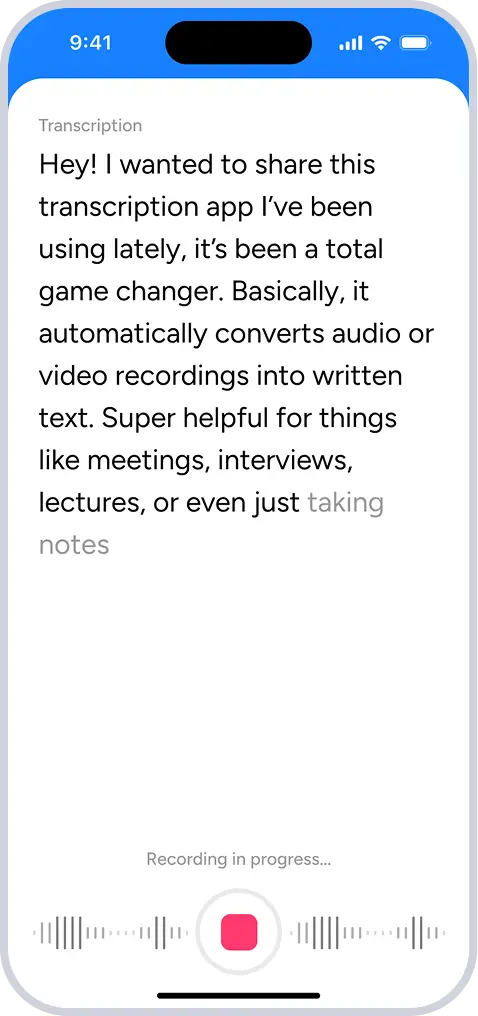
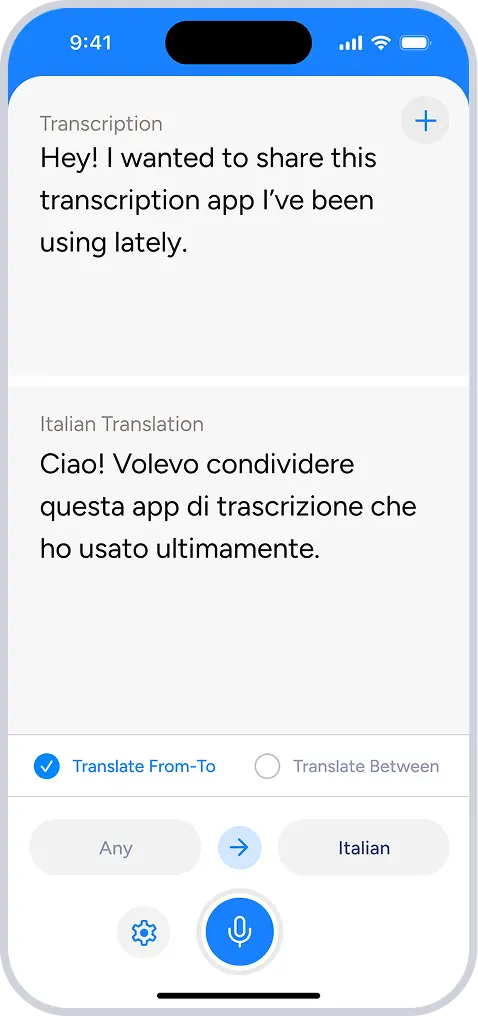
One app. Everything you do with voice in your language.
Get started free
Type with your voice in Russian and 60+ other languages.
Download on the App Store
Download for macOS and Windows
Works across 60+ languages, including Russian
Learn everything Soniox can do
Need more details? The Soniox Help Center provides complete documentation for the app, including guides, videos, screenshots, and feature walkthroughs.
Learn how to use Smart Scribe, Translator, Voice Typing, and more.
Explore the Help Center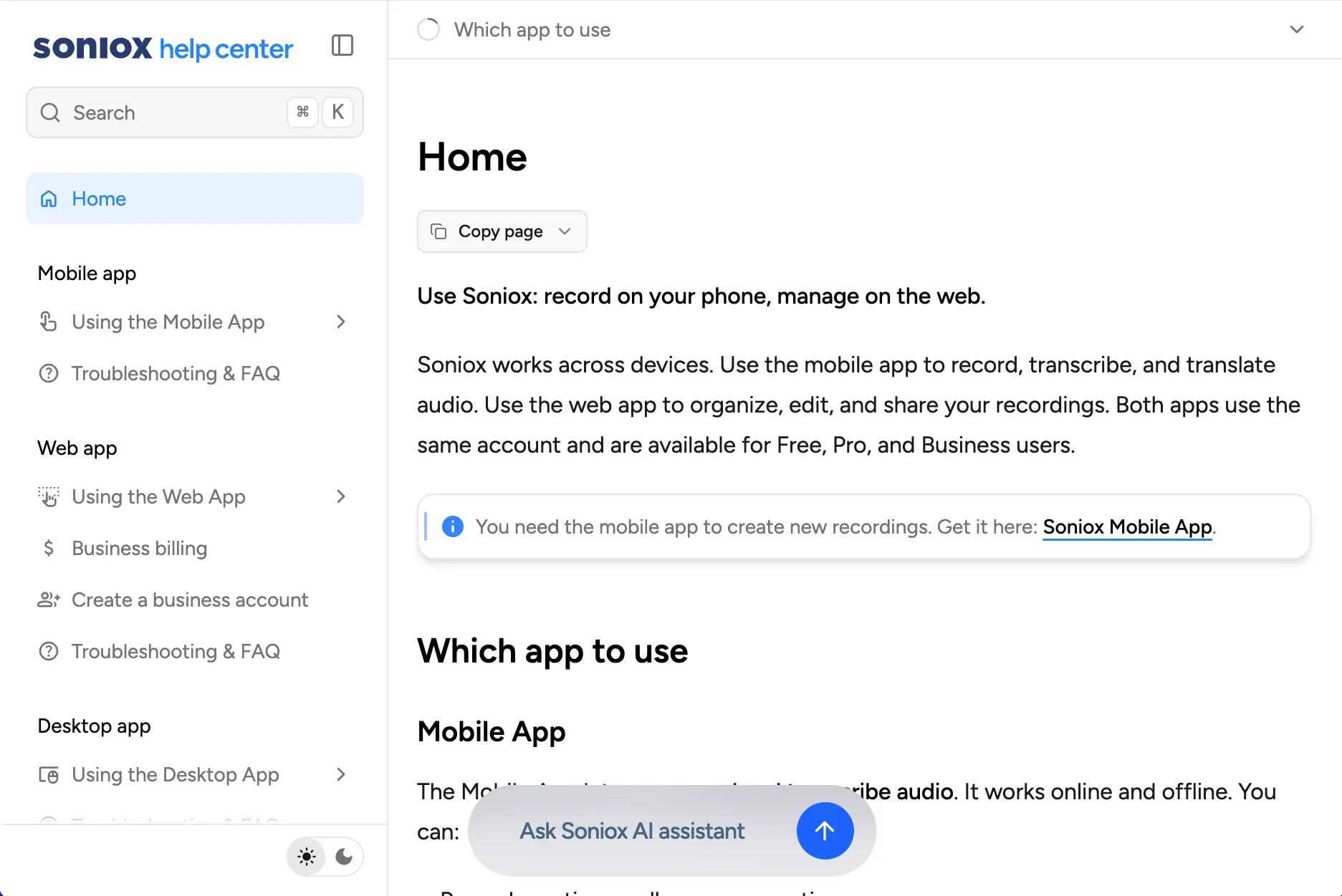
Frequently asked questions about Voice Typing in Russian
What is Voice Typing?
Can I type in Russian into any app?
Does Voice Typing work in real-time for Russian?
Which languages does Voice Typing support?
Can I switch languages while dictating in Russian?
Is Voice Typing faster than typing in Russian?
Can I choose a writing style in Russian?
Does Voice Typing work with names, numbers, and technical terms in Russian?
Is Voice Typing useful for multilingual writing?
Does Voice Typing store my audio?
Text outputs are saved only to provide the service to you.