The lecture transcription app every French student needs
Studying in France? Soniox App accurate transcribes and translates French lectures in real-time. Stay fully present in class instead of frantically scribbling.
mobileDownload on the App Store and Google Play


computerDownload for macOS and Windows
Study in France with confidence
French is spoken by more than 280 million people worldwide, across France, Democratic Republic of Congo, Canada, Madagascar, Cameroon, Ivory Coast, Niger, and beyond. For students, that means encountering French in lecture halls, seminars, online classes, and study groups.
Traditional transcription tools struggle with real-world French — fast academic speech, regional accents, technical terminology, and overlapping voices. Soniox App understands French as it's actually spoken: in context, instantly, and with the precision students need to study from their notes.
Live university lectures
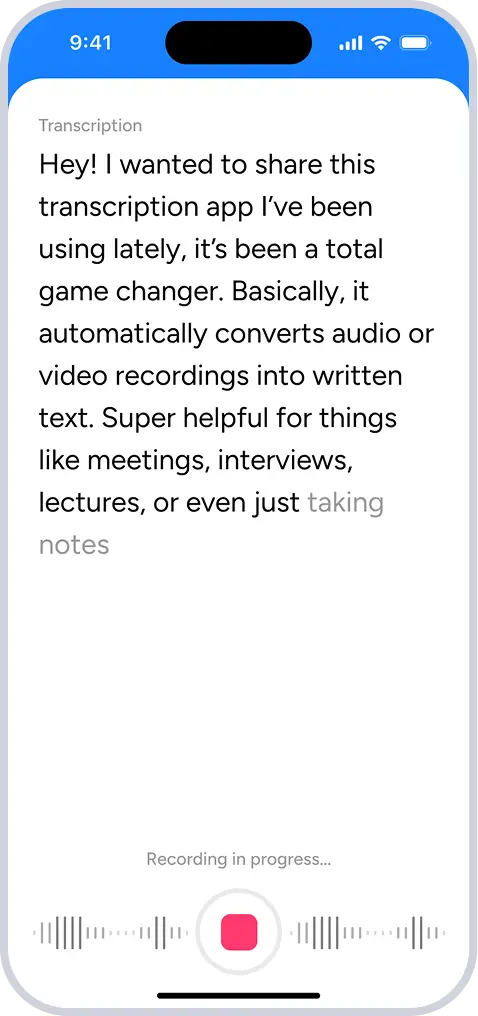
Capture every word in real-time, even in large French-speaking classrooms with echo, background noise, or fast-paced delivery. Soniox App transcribes it all so you can listen and absorb instead of scrambling for notes.
Online classes
Your French Zoom sessions don't disappear when the call ends. Soniox App captures live sessions and turns them into a permanent text record you can revisit anytime.
Study groups & tutoring sessions
Know exactly who said what with built-in speaker separation. Review French explanations and Q&A later, word for word, no matter how fast the conversation moved.
Guest speakers or panels
Every French guest speaker brings unique insight you won't find in a textbook. Soniox App transcribes it all in real-time so nothing gets lost between the talk and your notes.
Multilingual classrooms
Studying French as a second language, or in a classroom that mixes languages? Soniox detects mid-sentence language switches and provides real-time translation.
Notes & exam preparation
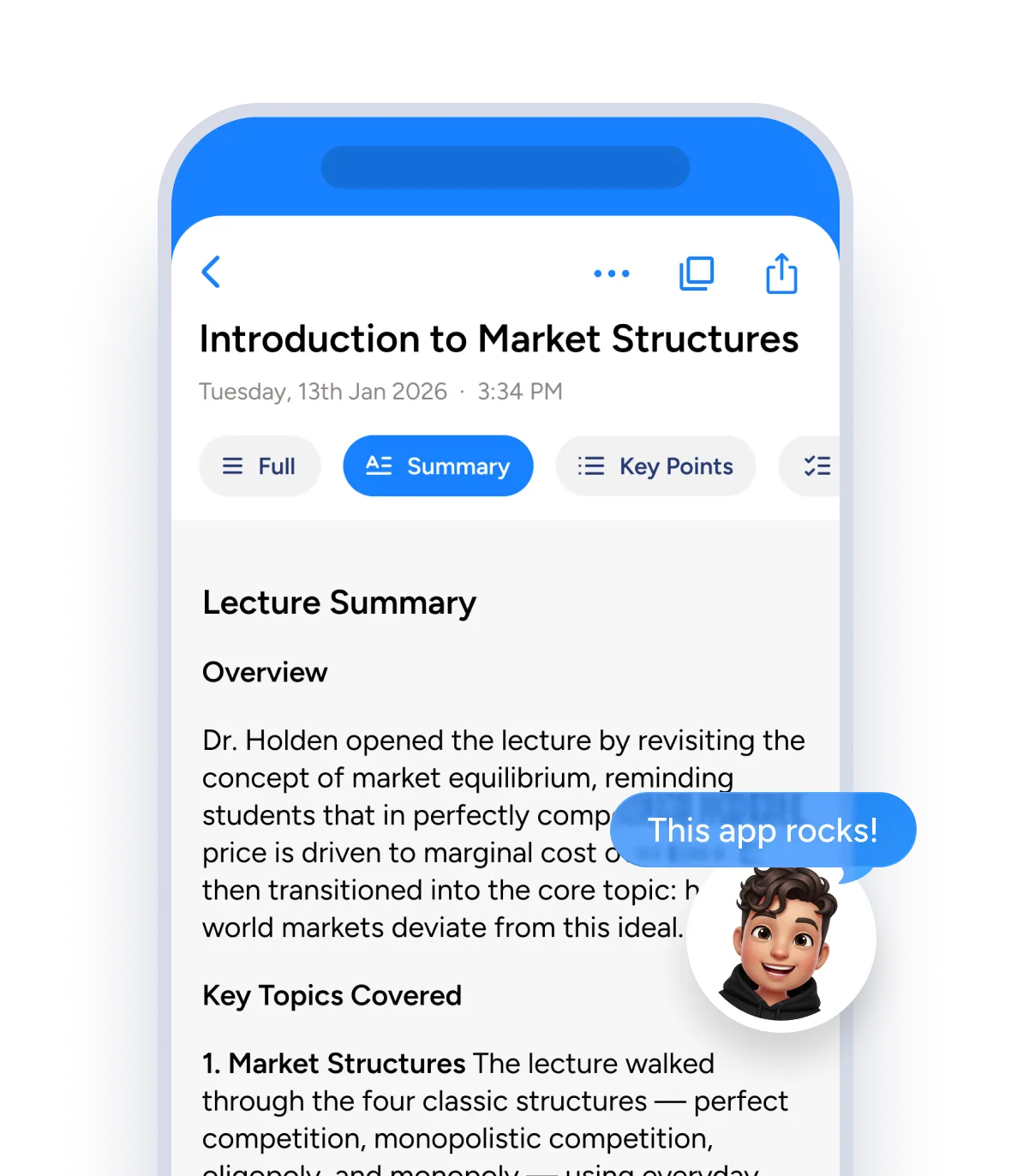
Soniox App turns French lectures into searchable notes you can review, highlight, and study from before exams. Nicely formatted, no cleanup needed.
Note-taking shouldn't get in the way of learning French
Soniox App captures every word so you can focus on engaging, asking better questions, and getting the most out of every French lecture.
Study smarter with AI highlights
Review perfectly accurate French transcripts and AI-generated summaries that capture every word, name, and acronym — even in fast, messy classroom audio. Scan what you need or dive deep when it counts.
Share notes without any extra work
Send French transcripts and highlights to classmates, tutors, or study groups with one tap. Soniox formats and punctuates automatically, so your notes always read cleanly — no editing or cleanup needed.
Understand lectures in any language
Translate French speech in real-time to follow along in your preferred language. Soniox handles 60+ languages and detects mid-sentence switches — perfect for international students.
Stay focused, not scribbling
Soniox transcribes French as it happens, in sync with every speaker and sentence. With ultra real-time updates and speaker separation, you can listen closely and stay fully engaged.
Familiar with every subject
From chemistry to computer science, Soniox captures French specialized terminology, symbols, and acronyms with precision. Its built-in domain intelligence keeps context intact, so your notes actually make sense.
Hear every voice in the room
In French seminars, Q&A, or group discussions, Soniox separates speakers automatically and organizes your transcript for clarity. You'll always know who said what and when.
Private by default
Soniox never stores your recordings and never uses your audio to train models. Everything is processed securely in real-time, then gone.
Transcribe and translate French and more
Study abroad, Soniox App supports you with 60+ languages available.
Soniox App: The all-in-one AI speech toolkit
Smart Scribe, Translator, and Voice Typing cover three ways people work with speech.
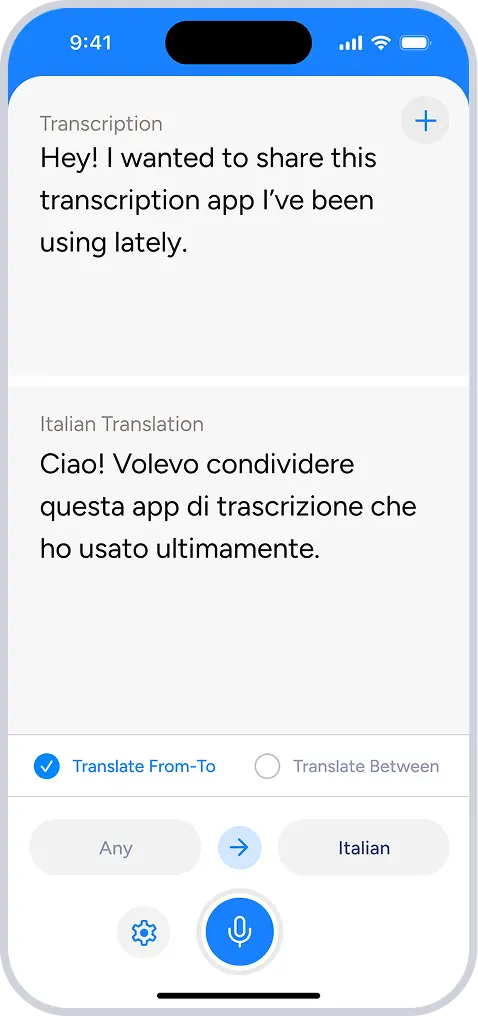
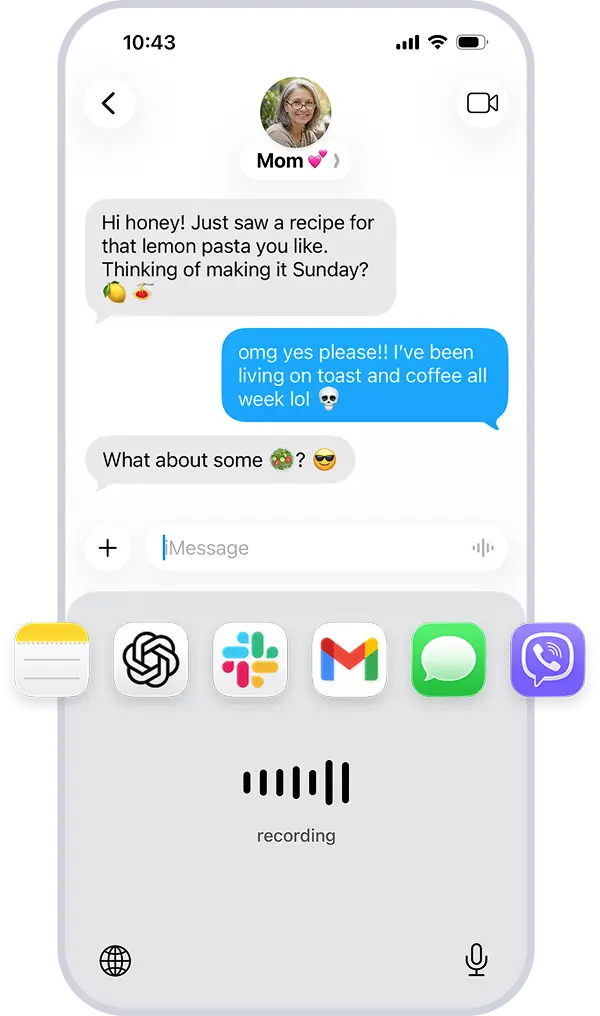
One app. Everything you do with voice in your language.
Get started free
Transcribe conversations in real time with Soniox.
mobileDownload on the App Store
computerDownload for macOS and Windows
Learn everything Soniox can do
Need more details? The Soniox Help Center provides complete documentation for the app, including guides, videos, screenshots, and feature walkthroughs.
Learn how to use Smart Scribe, Translator, Voice Typing, and more.
Explore the Help Center