Dictate lesson plans by voice – in Tagalog
Type with your voice in any app — up to 4× faster than typing. Built for teachers who need accurate, hands-free text input across 60+ languages. With real-time Tagalog transcription included.
mobileDownload on the App Store and Google Play



computerDownload for macOS and Windows
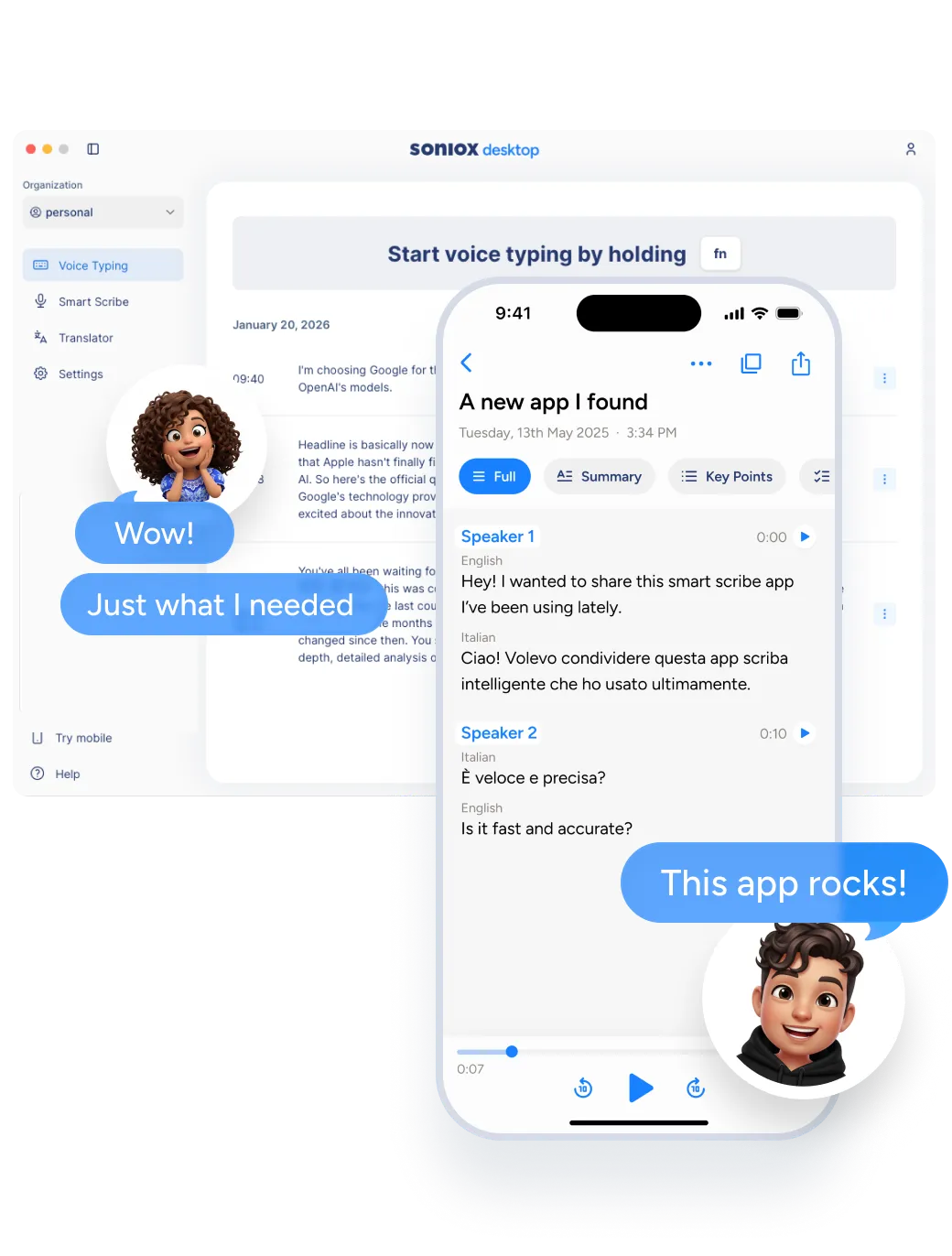
Say it once, it is written
Typing is slow. Speaking is natural. Soniox App turns your voice into finished text as you speak. Works seamlessly in Tagalog.
Hands-free input
Keep your hands free while composing text. Ideal for multitasking or when typing is inconvenient.
Professional vocabulary
Soniox App handles specialized Tagalog terminology and professional language with accuracy.
Works in any app
Voice Typing works system-wide across all apps and text fields — no integrations or plugins needed.
Easier on your body
Reduce strain from extended typing sessions. Voice Typing lets you write comfortably for longer.
Voice input that works everywhere
Voice Typing works system-wide across all apps — no integrations or plugins needed. Soniox App handles Tagalog with professional-grade accuracy.
One tap to dictate
Activate Voice Typing with a single tap and start speaking. Text appears instantly wherever your cursor is.
60+ languages
Dictate in Tagalog and 60+ other languages with seamless mid-sentence language switching.
Works in any text field
Dictate into any app or text field — emails, documents, messages, search bars, and more.
Choose your writing style
Set the tone — formal, casual, or anything in between — and Voice Typing adapts the output accordingly.
Soniox App works with Tagalog and 60+ more languages
Soniox App transcribes and translates in Tagalog and over 60 other languages with professional-grade accuracy.
Soniox App: The all-in-one AI speech toolkit
Smart Scribe, Translator, and Voice Typing cover three ways people work with speech.
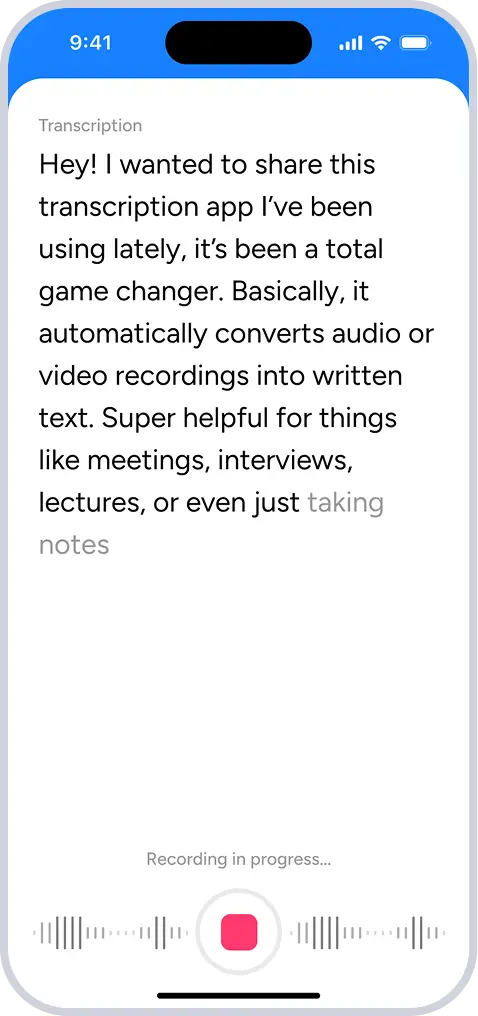
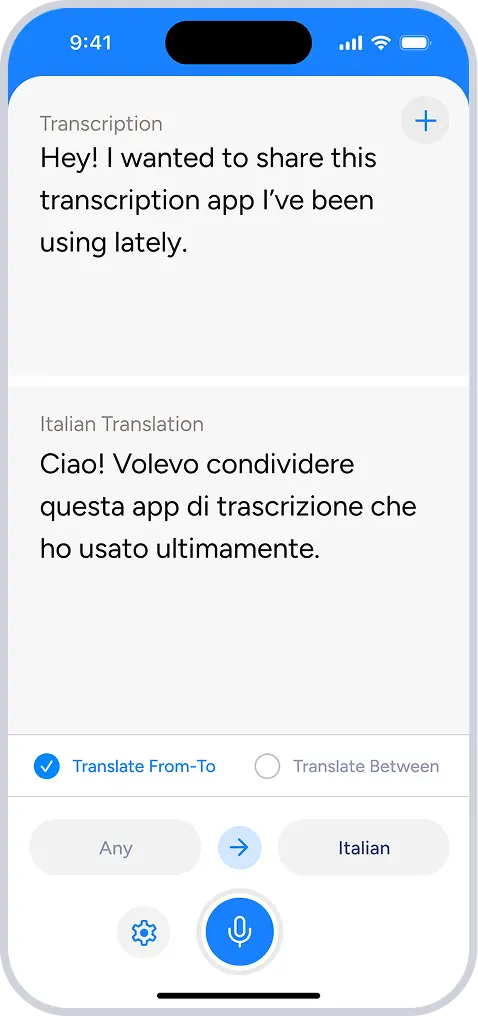
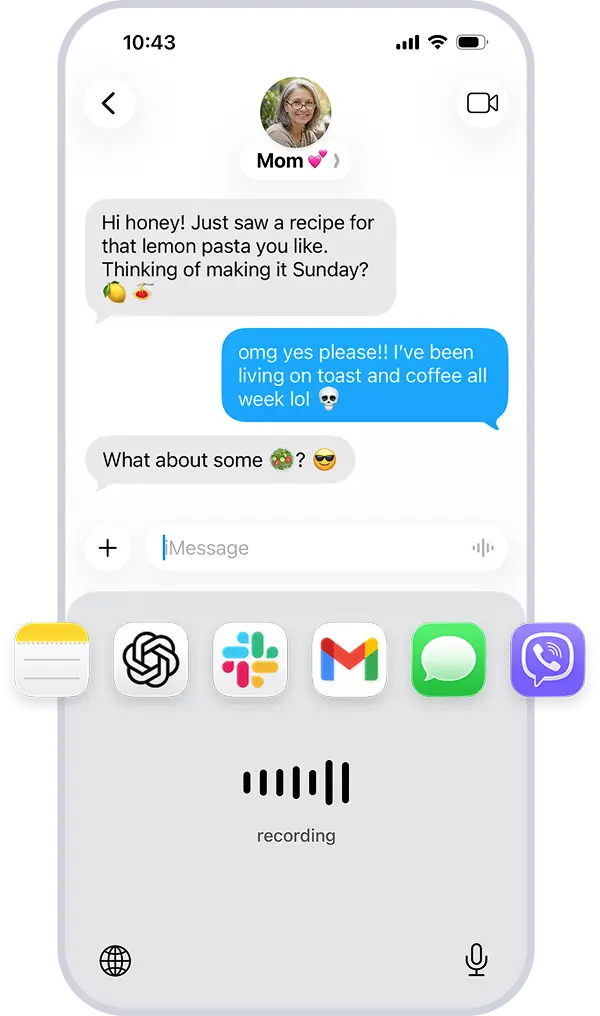
One app. Everything you do with voice in Tagalog.
Get started free
Transcribe conversations in real time with Soniox.
mobileDownload on the App Store
computerDownload for macOS and Windows
Learn everything Soniox can do
Need more details? The Soniox Help Center provides complete documentation for the app, including guides, videos, screenshots, and feature walkthroughs.
Learn how to use Smart Scribe, Translator, Voice Typing, and more.
Explore the Help Center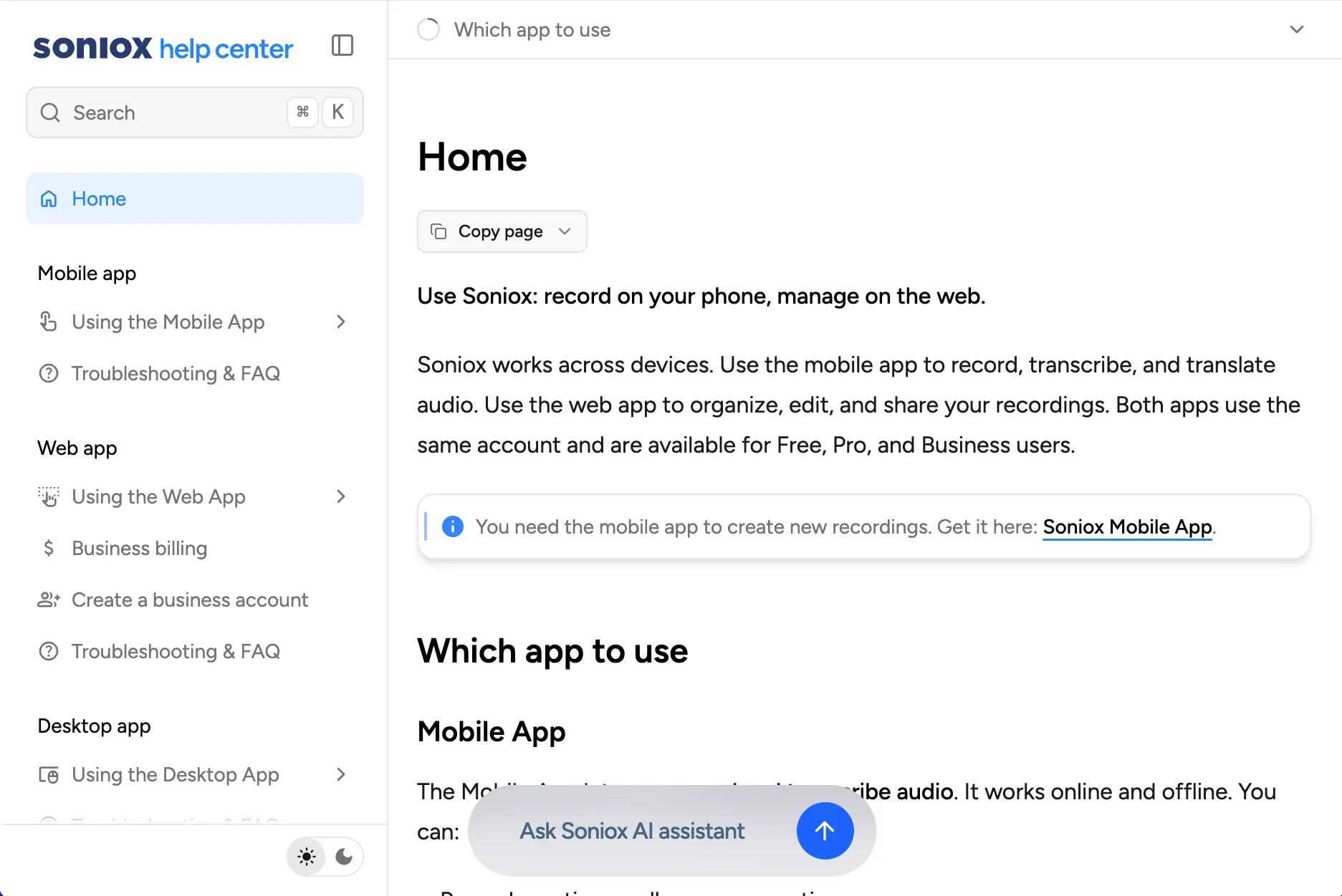
Built for any use case
From clinical documentation to creative workflows, Soniox App is built for the situations where accurate transcription and translation matter most.
Meeting transcription
Capture every decision and action item from meetings automatically.
Lecture transcription
Record complete lecture transcripts for study and accessibility.
Medical dictation
Document clinical encounters hands-free with professional accuracy.
Hearing accessibility
Real-time captions for deaf and hard-of-hearing users in any setting.
Travel translator
Communicate across language barriers with real-time spoken translation.
Voice notes
Capture ideas and thoughts hands-free and turn them into searchable text.
Private by default
Soniox never stores your recordings and never uses your audio to train models. Everything is processed securely in real-time, then gone.