
Compare text-to-speech APIs live, side by side
Generate the same speech with multiple providers and hear the difference for yourself. Compare voices, pronunciation, pacing, prosody, expressiveness, and latency using the APIs and models you actually want to evaluate.
Who supports what feature
Feature support for the models Soniox Compare runs, as declared by the provider integrations in the app. See which models and voices support the languages, streaming, voice controls, and other capabilities you need.
| Feature | Soniox tts-rt-v2 | OpenAI gpt-4o-mini-tts | ElevenLabs eleven_v4 | Fish Audio s2.1-pro | Inworld inworld-tts-2 | xAI tts-v1 | Google gemini-3.8-flash-tts | Cartesia sonic-3.6 | Azure dragon-hd-omni | Smallest AI Pro lightning_v3.1_pro |
|---|---|---|---|---|---|---|---|---|---|---|
| Streaming audio output | ||||||||||
| Streaming text input | ||||||||||
| Multilingual voice | ||||||||||
| Voice cloning | ||||||||||
| Timestamps | ||||||||||
| Character level timestamps | ||||||||||
| Pronunciation control | ||||||||||
| Expressive control |
Compare is open source
The complete source code is on GitHub under the MIT License.
Run the same comparison yourself
Inspect every provider integration, see exactly which models, voices, and settings are used, and check how audio is generated and handled.
Clone the repository, add your own API keys, and run it locally. Every provider receives the same input through its official API. A missing key only disables that provider.
Clone the repo on GitHubgit clone https://github.com/soniox/soniox-compare
cd soniox-compare
for app in stt tts translate; do
cp "$app/.env.example" "$app/.env"
done
./dev.shContribute
Add a provider, add a model or voice, improve an integration, or help make TTS comparisons more useful for real applications.
Start contributing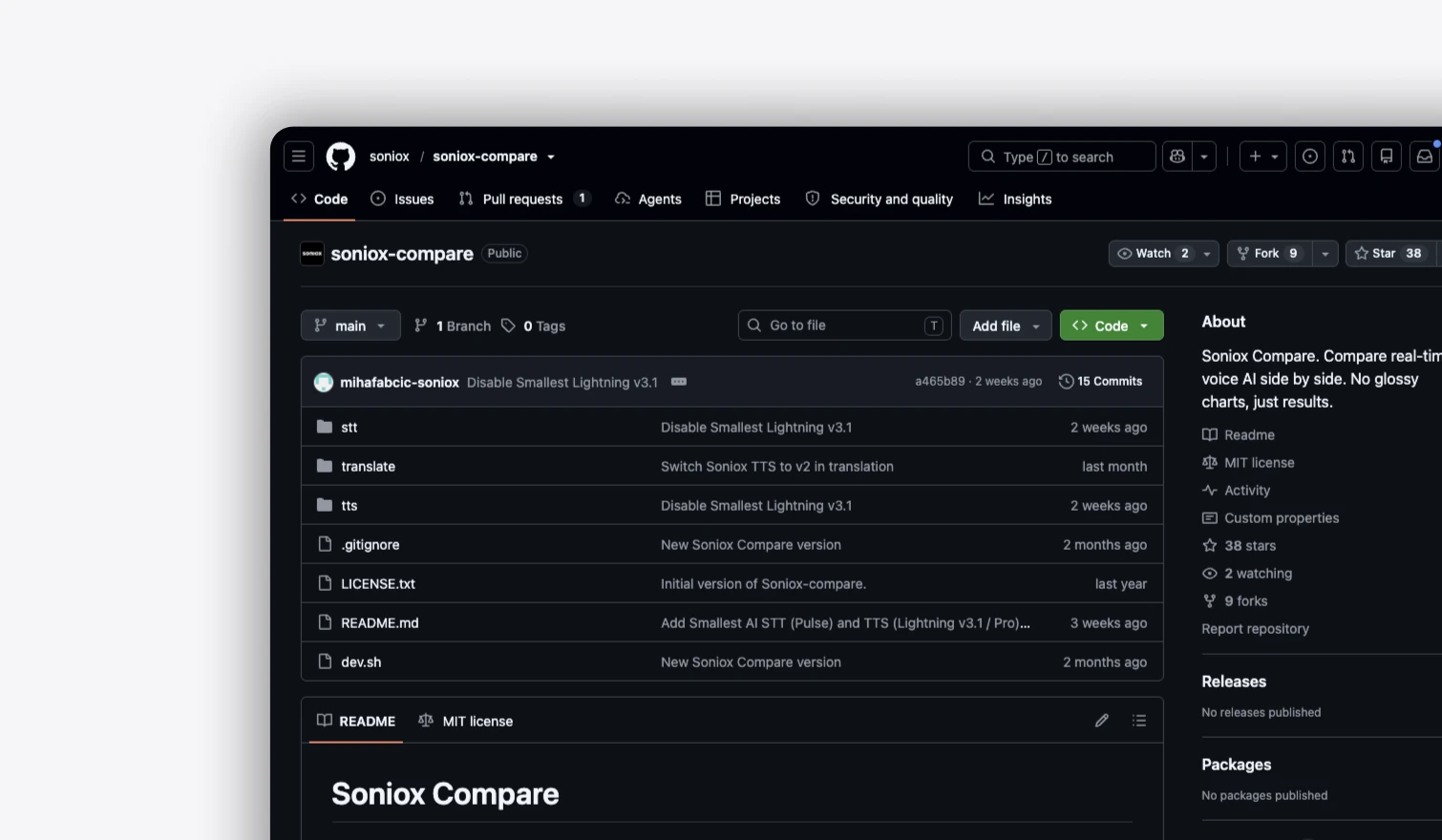
Why benchmarks mislead
TTS benchmarks make controlled comparisons possible, but they can only evaluate the voices, prompts, and conditions they choose. The output can be very different when you use your own voice, content, and requirements.
The same model can sound very different
Voice selection is a major part of TTS quality. A benchmark result can depend on which voice was used, whether voices were standardized, and whether the evaluation measures the model independently of the voice itself.
Your application may need a specific voice, style, language, accent, or personality. A model’s overall benchmark score doesn’t tell you how that particular combination will sound.
The details matter
A TTS system can sound natural overall and still get the things that matter to your product wrong.
Pronunciation, names, numbers, dates, abbreviations, technical terms, emphasis, pauses, pacing, and prosody can all change the quality of the output. Some applications need natural conversation. Others need precise pronunciation, consistent delivery, or a particular style.
A benchmark score compresses these different qualities into a result. Listening to the actual output shows you the differences.
I hear theirthere new offer is on hold, for now.?
A leaderboard can’t test your requirements
Benchmarks use fixed prompts and controlled evaluation conditions so providers can be compared fairly. That makes the results reproducible, but it also means the test is necessarily limited.
Your product has its own voices, content, languages, latency requirements, and edge cases.
The only way to know how a provider performs for those requirements is to test them.
Hear what you’re actually going to ship
Give every provider the same input and listen to the generated audio side by side.
Compare the things a number can’t tell you: how the voice sounds, how it handles your content, where it pauses, what it emphasizes, how it pronounces difficult words, and how quickly the audio starts.
English isn’t enough
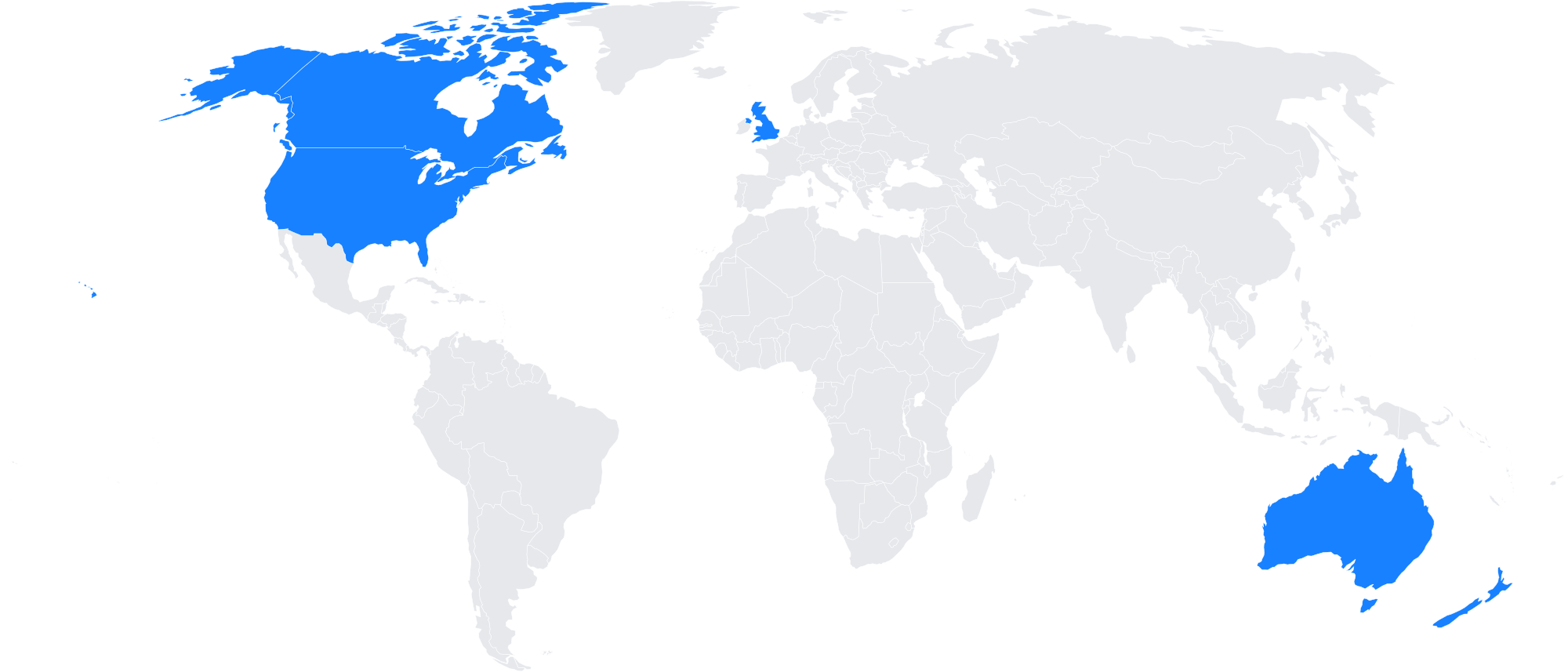
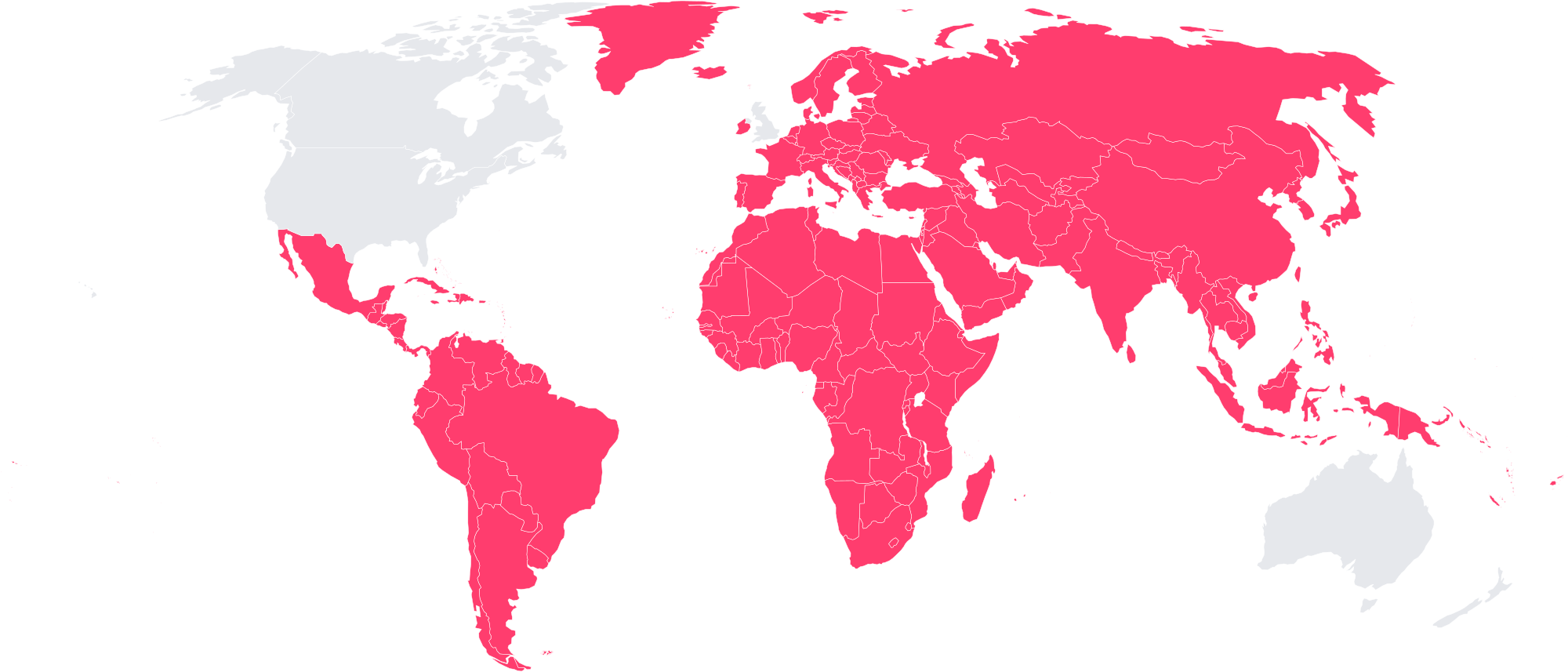
Supporting a language doesn’t mean the output sounds equally natural in that language. Pronunciation, names, numbers, accents, and language-specific prosody can expose weaknesses that an English-focused benchmark never shows.
A benchmark can support many languages and still tell you very little about how the voice will sound when your product actually speaks them.
Methodology
Same input. Every provider. Their real API.
Same text, every provider
Your browser sends the same text to the Compare backend. The backend opens one session per selected provider, using that provider’s official TTS API and the model and voice listed in the feature table.
Same settings wherever supported
Every provider receives the same input and the same requested settings wherever supported. Provider-specific options are used according to each integration, and unsupported options are dropped for that provider only.
Audio returned as generated
Audio is returned as generated by each provider. Compare does not rewrite, normalize, enhance, or otherwise alter the generated speech before you hear it.
No hidden dataset
There is no hidden benchmark dataset and no aggregate quality score. You provide the input, so you can test the speech your application actually needs to generate.
Heard as it is generated
Audio is shown as it is generated, so you can compare both the resulting speech and the experience of receiving it.
No universal winner
Compare does not claim that one TTS provider is universally better. It lets you evaluate the voices and models against the requirements of your own product.