
Compare speech-to-text APIs live, on your own audio
See how speech-to-text models actually perform on the speech that matters to you. Stream the same audio through multiple providers at the same time and compare their transcripts as they arrive.
Who supports what feature
Which streaming features each provider gives you: language hints, context, speaker diarization, language identification, and endpoint detection.
| Feature | Soniox stt-rt-v6 | OpenAI gpt-4o-transcribe | Google gemini-3.5-transcribe-live | Azure en-US-Conversation | Speechmatics enhanced | Deepgram nova-3 | AssemblyAI Universal-3.5 Pro | Cartesia ink-2 | ElevenLabs Scribe v2 Realtime | Meta muse-voice-transcribe-1.0 | Smallest AI Pulse | xAI grok-voice-transcribe-2.0 | Inworld inworld-stt-1 |
|---|---|---|---|---|---|---|---|---|---|---|---|---|---|
| Single multilingual model | |||||||||||||
| Language hints | |||||||||||||
| Language identification | |||||||||||||
| Speaker diarization | |||||||||||||
| Customization | |||||||||||||
| Timestamps | |||||||||||||
| Confidence scores | |||||||||||||
| Real-time latency config | |||||||||||||
| Endpoint detection | |||||||||||||
| Manual finalization |
Compare is open source
The complete source code is on GitHub under the MIT License.
Run the same comparison yourself
Soniox Compare is open source under the MIT License. Inspect every provider integration, see exactly which models and settings are used, and see how audio and results are handled.
Clone the repository, add your own API keys, and run the comparison locally. The same audio goes to every selected provider using its official streaming API.
View on GitHubgit clone https://github.com/soniox/soniox-compare
cd soniox-compare
for app in stt tts translate; do
cp "$app/.env.example" "$app/.env"
done
./dev.shContribute
Add a provider, improve an integration, add support for a model, or help make comparisons more useful for real speech applications.
Start contributing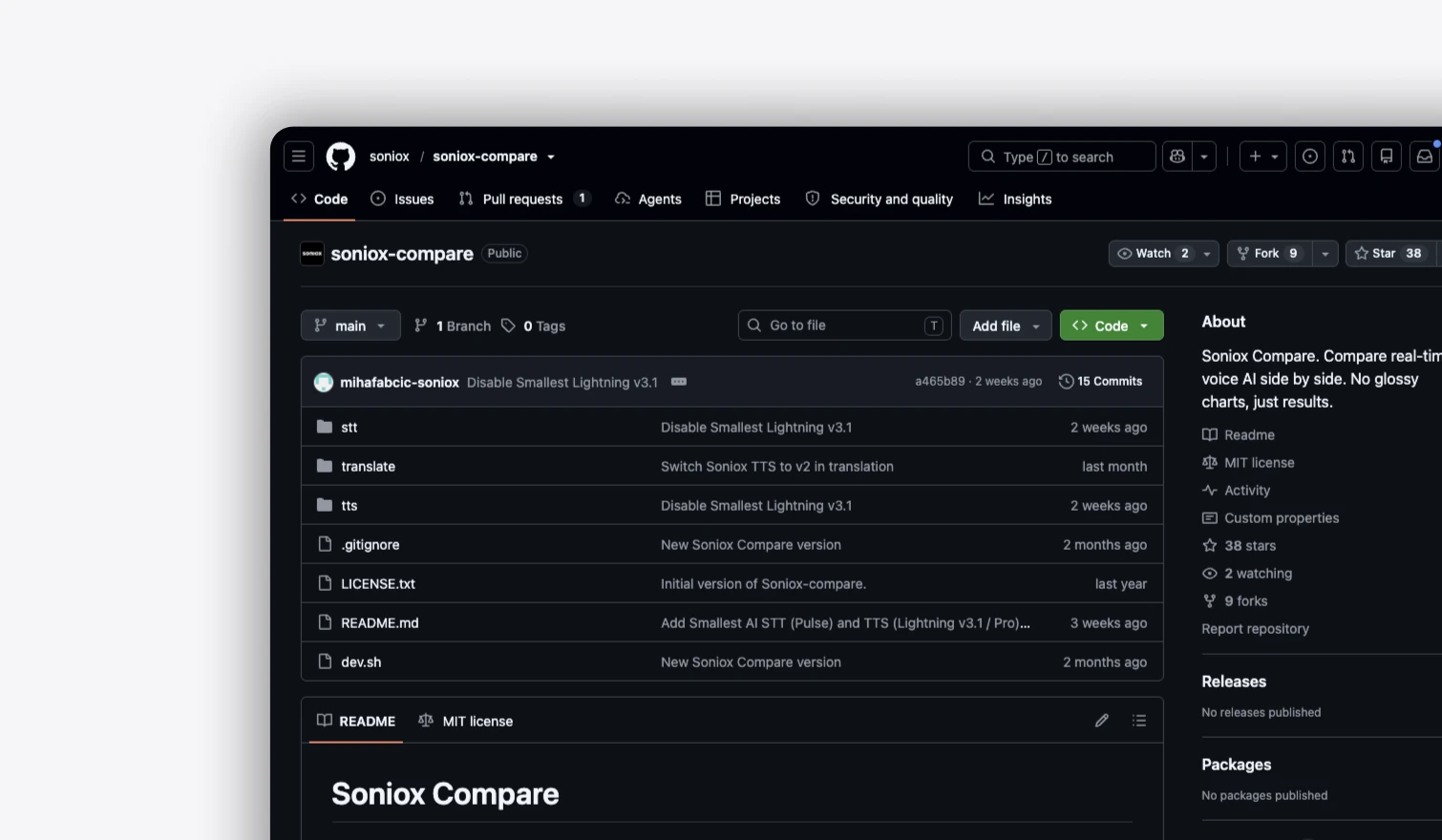
Why benchmarks mislead
Benchmarks don’t test your real-world audio.
A benchmark can be accurate and still be the wrong test
Speech-to-text benchmarks usually reduce performance to a small number of metrics, often Word Error Rate. WER is useful, but it measures how closely a transcript matches one reference, not whether the transcript is useful for your application.
Payment details
Enter a valid card number
The dataset decides the result
Clean read speech, accents, noisy calls, meetings, spontaneous conversation, and voice-agent speech expose different weaknesses. A model that performs well on one dataset may behave differently on the speech you actually receive.
Meeting transcript
Semantic word error rate
Not every textual difference is a meaningful transcription error. Numbers, names, IDs, phone numbers, punctuation, formatting, spelling, and spoken-versus-written forms can produce different strings with the same meaning. Modern benchmarks increasingly normalize these cases because literal string matching can penalize equivalent output.
But normalization has limits too. In some applications, the exact form matters: an ID, phone number, URL, code, address, or product name may need to be reproduced exactly.
Support for order #A7-4491
Closed benchmarks are hard to verify
Not every benchmark makes its audio, transcripts, normalization, prompts, or evaluation setup available. When the underlying dataset and methodology are closed, you can’t independently inspect what was tested or reproduce the result yourself. You are ultimately trusting the benchmark’s setup as much as its score.
Even an open benchmark only tells you how models performed on that particular dataset.
Benchmark dataset
English isn’t enough
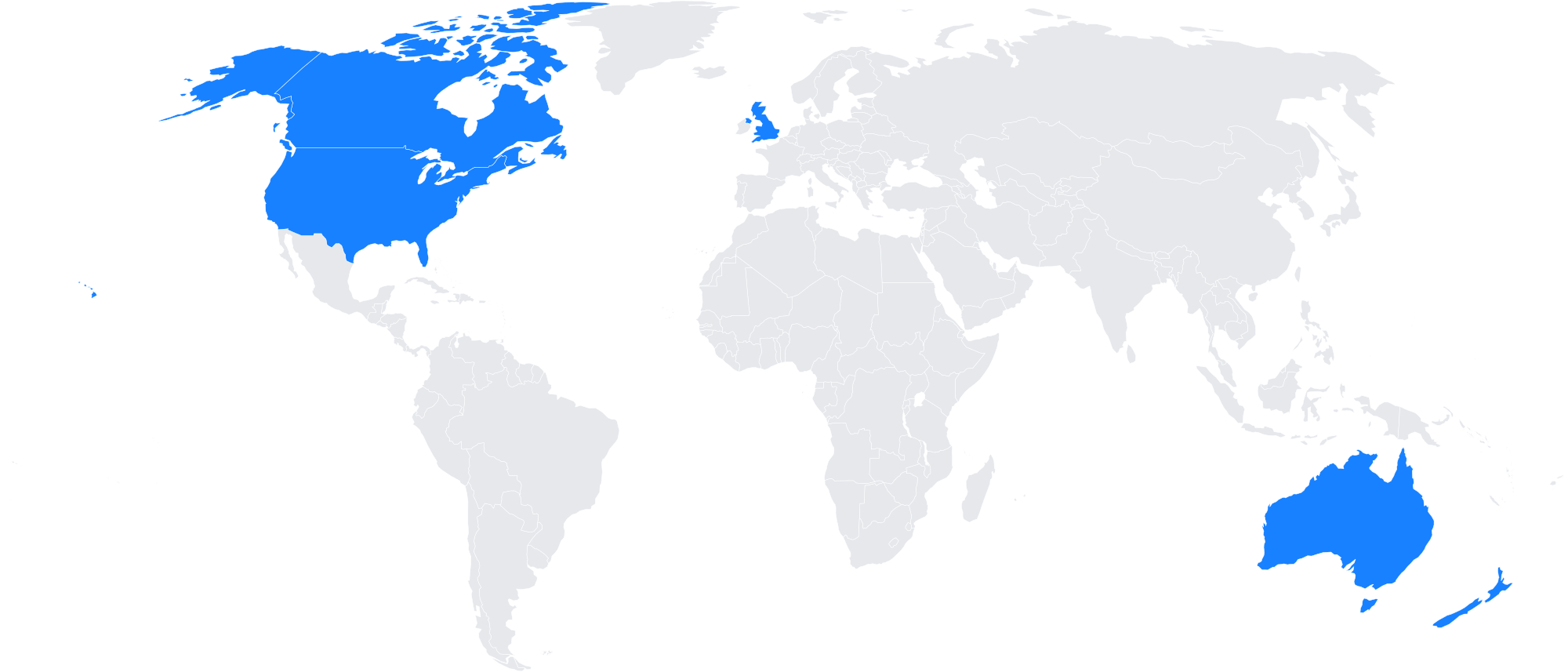
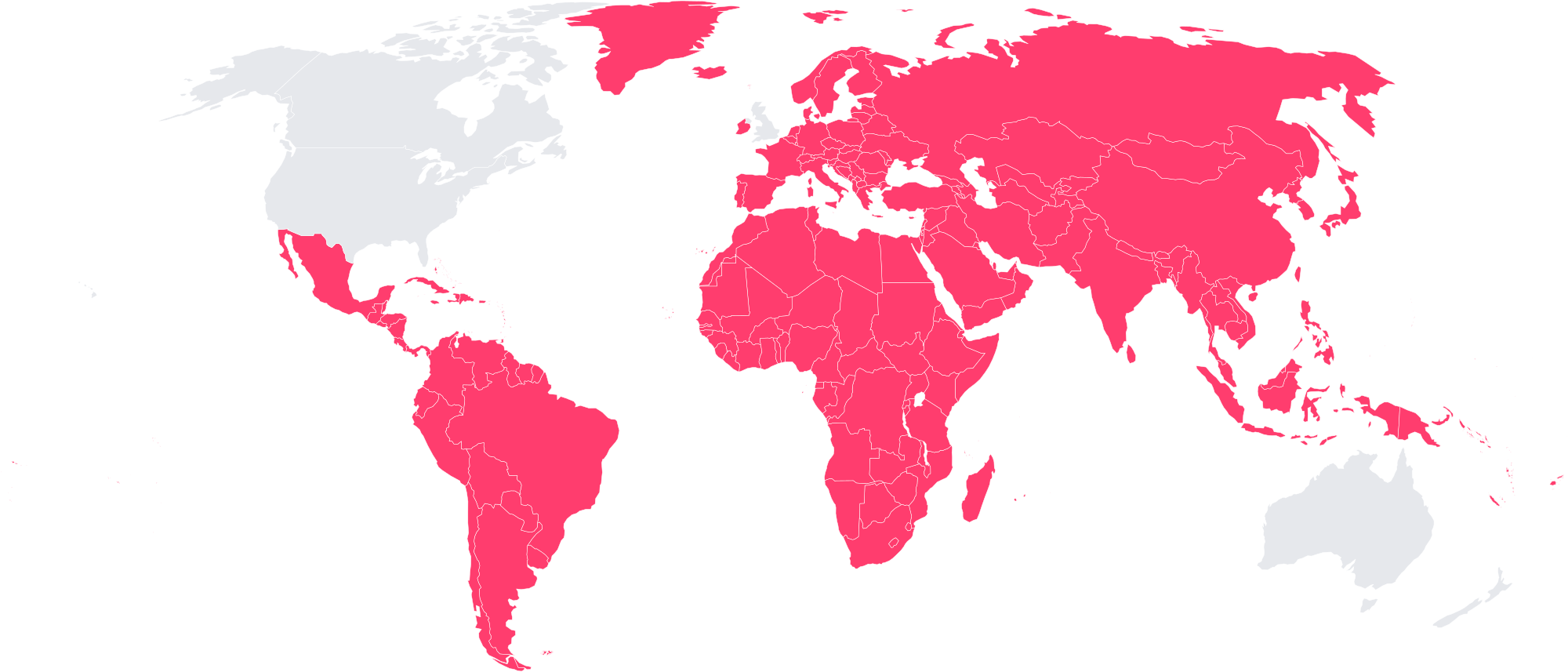
Multilingual speech is not just English speech with more languages added. Language switching, accents, and differences in names, numbers, and pronunciation can expose weaknesses that an English-focused benchmark never shows.
A benchmark can include many languages and still tell you very little about how a model handles the language mix your users actually speak.
Methodology
Same audio, every provider
Your browser streams audio as 16 kHz PCM to the Compare backend. The backend opens one session per selected provider, using that provider’s official streaming API and the model listed in the feature table, and sends every provider the same audio at the same time.
Same settings wherever supported
Each provider receives the same settings wherever supported: language hints, context, speaker diarization, language identification, and endpoint detection. Each integration declares which options it supports, and unsupported options are dropped for that provider only.
Outputs shown as returned
Outputs are shown as returned. Compare does not rewrite, correct, normalize, or clean up transcripts.
No hidden dataset
There is no hidden benchmark dataset and no aggregate score. You provide the audio, so you can test the speech that actually matters to your application.
Live, as you speak
Transcripts arrive live, so you can compare not only what each provider transcribes, but how the transcription develops while someone is still speaking.
No universal winner
Compare does not claim that one provider is universally better. It gives you the raw comparison so you can evaluate the tradeoffs for your own use case.