
Compare speech-to-text translation APIs live, on your own audio
See how different APIs handle accents, multilingual speech, language switching, names, numbers, and domain-specific terms, in real time.
Who supports what feature
Compare providers across the capabilities that matter for real-time speech translation. See which models support the languages, language pairs, streaming, language identification, translation, and other capabilities you need.
| Feature | Soniox stt-rt-v5 | OpenAI gpt-realtime-translate | Google gemini-3.5-live-translate-preview | Speechmatics enhanced | Azure azure-speech-translation |
|---|---|---|---|---|---|
| Source transcript | |||||
| Single multilingual model | |||||
| Language hints | |||||
| Language identification | |||||
| Speaker diarization | |||||
| Timestamps | |||||
| Endpoint detection |
Compare is open source
The complete source code is on GitHub under the MIT License.
Run the same comparison yourself
Inspect every provider integration, see exactly which models and settings are used, and check how audio is sent and translation results are returned.
Clone the repository, add your own API keys, and run it locally. Every provider receives the same audio through its official API. A missing key only disables that provider.
Clone the repo on GitHubgit clone https://github.com/soniox/soniox-compare
cd soniox-compare
for app in stt tts translate; do
cp "$app/.env.example" "$app/.env"
done
./dev.shContribute
Add a provider, add a model, improve an integration, or help make speech translation comparisons more useful for real applications.
Start contributing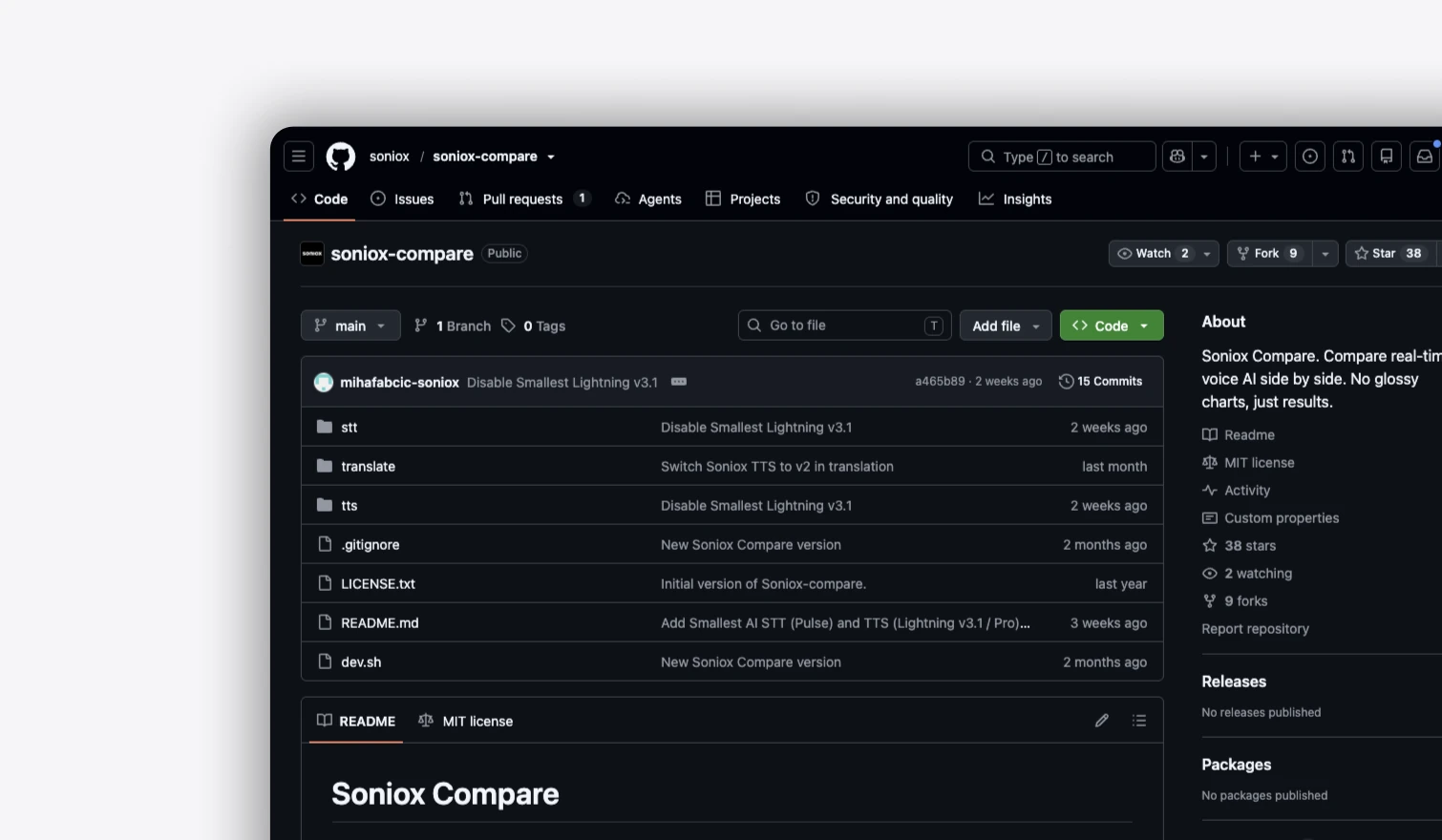
Methodology
Same audio, every provider
Your browser sends the same live audio to the Compare backend. The backend opens one session per selected provider, using that provider’s official speech-to-text translation API and the model listed in the feature table.
Same settings wherever supported
Every provider receives the same audio at the same time and the same requested settings wherever supported. Provider-specific options are used according to each integration, and unsupported options are dropped for that provider only.
Translations shown as returned
Translation results are returned as generated by each provider. Compare does not rewrite, normalize, correct, or otherwise alter the translated output before displaying it.
No hidden dataset
There is no hidden benchmark dataset and no aggregate quality score. You provide the audio, so you can test the speech, languages, and conversations your application actually needs to translate.
Live, as the tokens arrive
Results are shown as they arrive, so you can compare both the translated output and the experience of receiving it in real time.
No universal winner
Compare does not claim that one speech translation provider is universally better. It lets you evaluate the models against the requirements of your own product.